 Voicloud Desktop · Recording & transcription
How to record and transcribe Zoom, Google Meet or Teams calls on a Mac
Short answer: A plain microphone recording on a Mac won't capture the other side cleanly, because their voices play inside the Mac. Either use the meeting app's own recording, or an app that records "audio playing on the Mac" and your microphone together. Transcription then happens separately or automatically after recording.
1. Check these first
- Are you allowed to record? Check your company's and the host's rules, tell participants, and get consent.
- Can you use the meeting app's recording? Some meeting apps have it, but it may be limited to hosts or to certain plans.
- What do you need? Just audio, or a transcript and summary, or the screen as well?
2. Why the microphone alone misses the other side
The other participants' voices are sound coming out of your Mac's speakers or headphones. A mic-only recording picks up almost nothing of them through headphones, and only a faint, echoey version through speakers. To keep them clearly, you have to record the audio playing inside the Mac itself.
3. Options compared
| Method | Other side's voice | Meeting apps | Transcription | Best for |
|---|---|---|---|---|
| Put a phone next to the speaker | Faint, echoey | Any | Separate step | A quick backup |
| Meeting app's built-in recording | Clean | That app only | Depends on app and plan | Hosts using one meeting app |
| An app that records Mac audio plus mic | Clean | Any | Depends on app | Joining meetings in many apps |
4. From Mac audio to a document with Voicloud Desktop
I built Voicloud Desktop, a Mac app, for the third option. It records your microphone and Mac audio at the same time, so it works with Zoom, Meet, Teams, browser meetings and more, with no extensions.
- Start recording with ⌘⇧V or from the menu bar icon (you can also record the screen).
- Stop when the meeting ends.
- Transcription (Whisper, on the Mac) and speaker identification run automatically.
- Apple Intelligence summarizes into decisions, Action Items and key quotes.
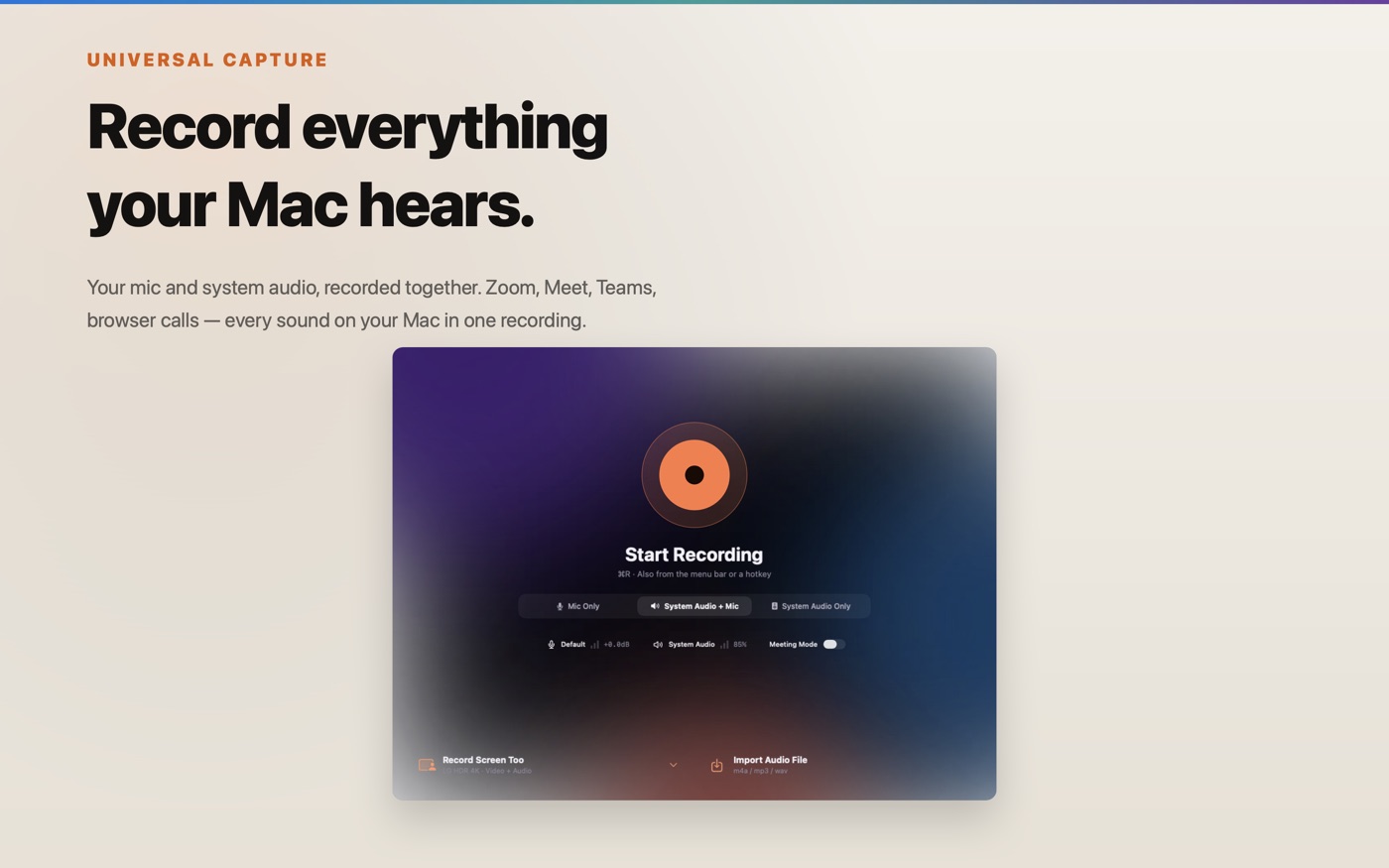
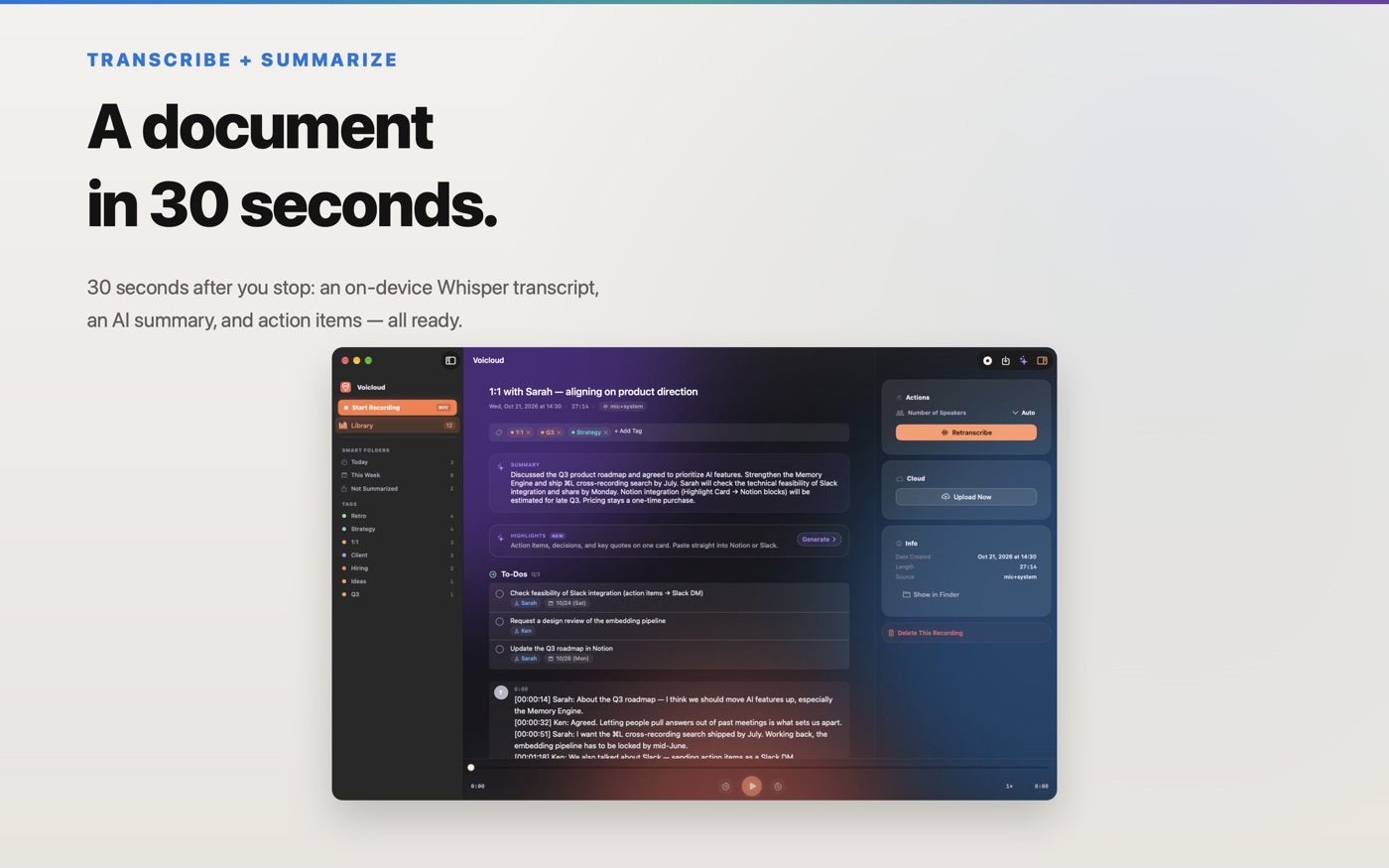
Action Items, decisions and key quotes can be bundled into a Highlight Card and exported as Markdown for Notion or Slack. ⌘L lets you ask questions across past recordings. You can also switch to Gemini with your own API key; then audio and text go straight from your Mac to Google.
Requires macOS 15 or later; Apple Intelligence summaries need macOS 26 or later. Free to download with a 3-day trial of every feature, then a one-time purchase. After the trial, playback, viewing transcripts and export of existing recordings keep working; only new recordings and screen recordings stop.
5. Troubleshooting
The other side's voice is missing
Make sure you are not recording the microphone only. Use a method that captures Mac audio while you can hear them in the meeting app.
The live text differs from the final transcript
In Voicloud Desktop, the live text during recording uses macOS speech recognition, which may be processed on Apple's servers. The transcript made after recording is Whisper running on your Mac.
I don't want anything sent off the Mac
By default, transcription, speaker identification and summary run on the Mac. But if you register a Gemini API key, the AI auto-title feature sends the start of the transcript and the summary to Gemini Flash. Turn it off in Settings if that matters to you.
I want to record an in-person meeting on iPhone
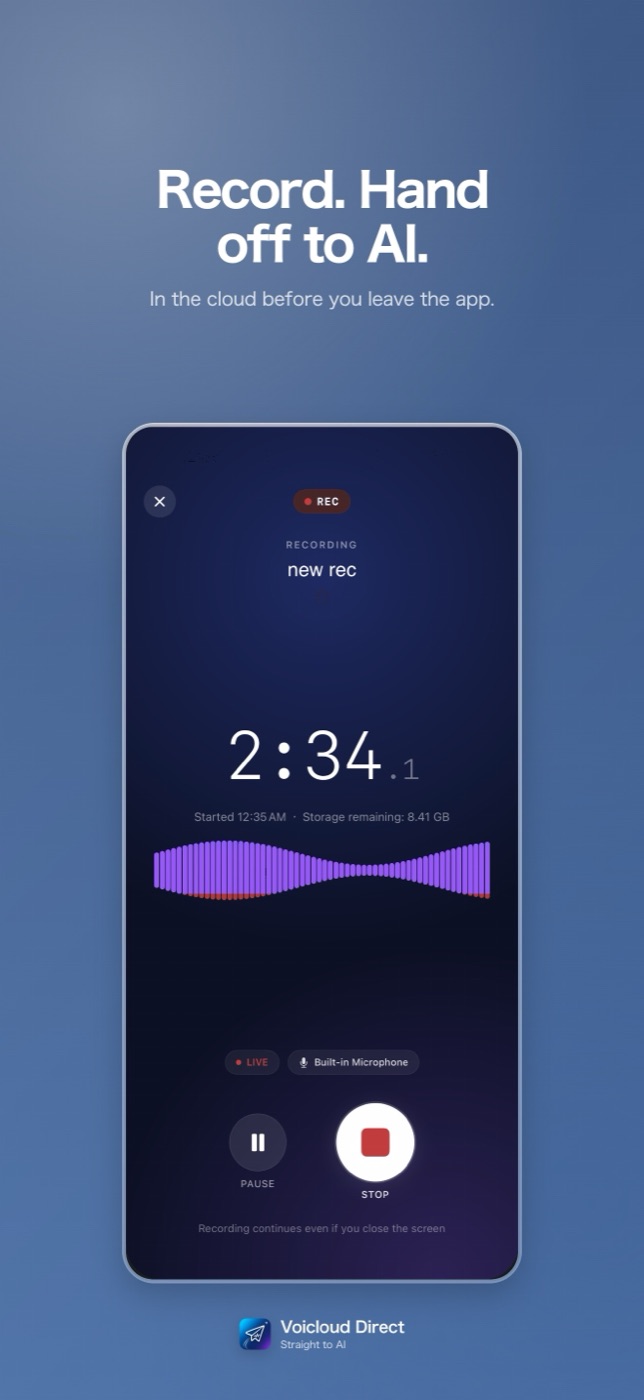
Use Voicloud or Voicloud Direct for iPhone from the same series.
 Voicloud Direct ·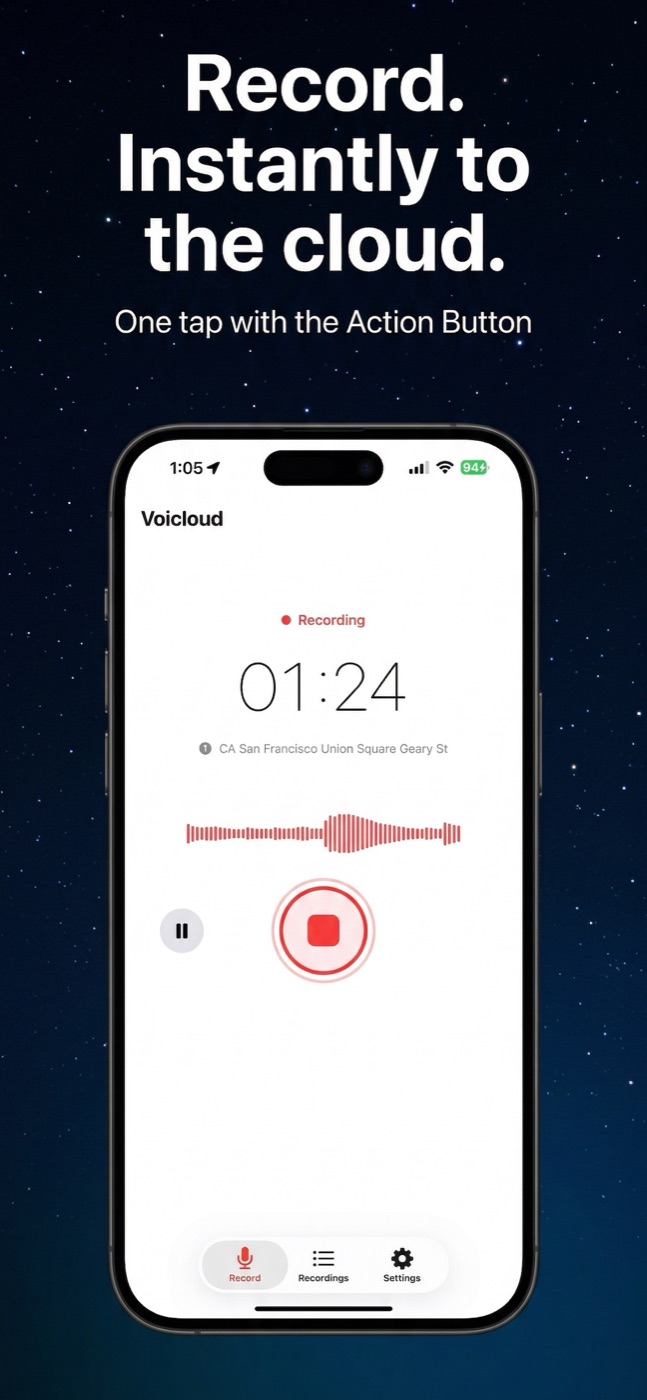
 Voicloud ·
 Lumidepth Player VR ·