How to fix everyday video and voice problems
Watching videos on Mac, iPhone and Quest, organizing them, turning recordings into text. Answers to common problems, from what we learned while building mon neural's apps.
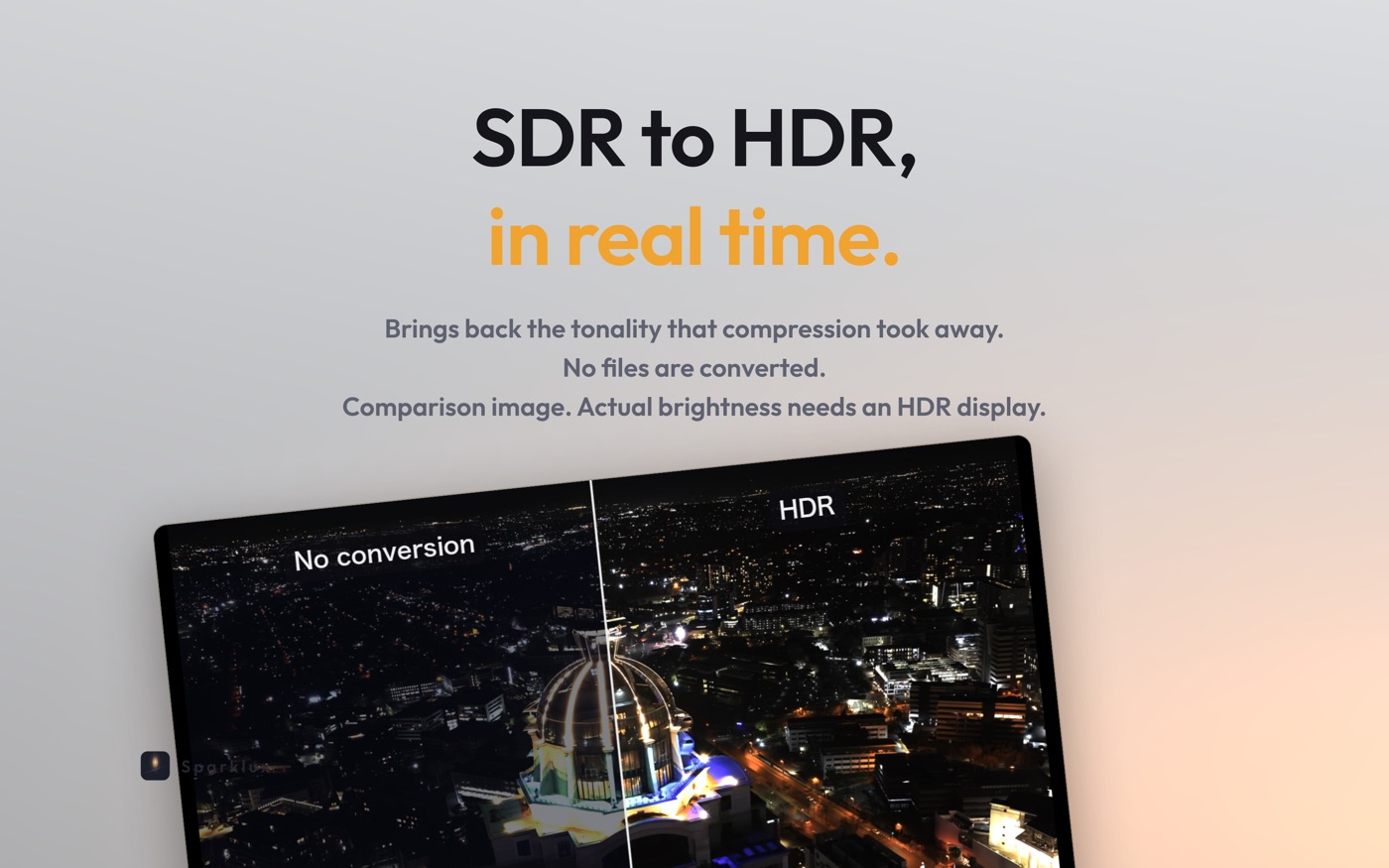
 Sparklux · Watch videos
Videos look dim on your Mac's HDR display? What to check, and how to fix it
You have an HDR Mac, but videos don't look bright. Usually it is because the video is SDR. Here is how to check your display settings, tell SDR from HDR, and watch SDR videos with HDR brightness.
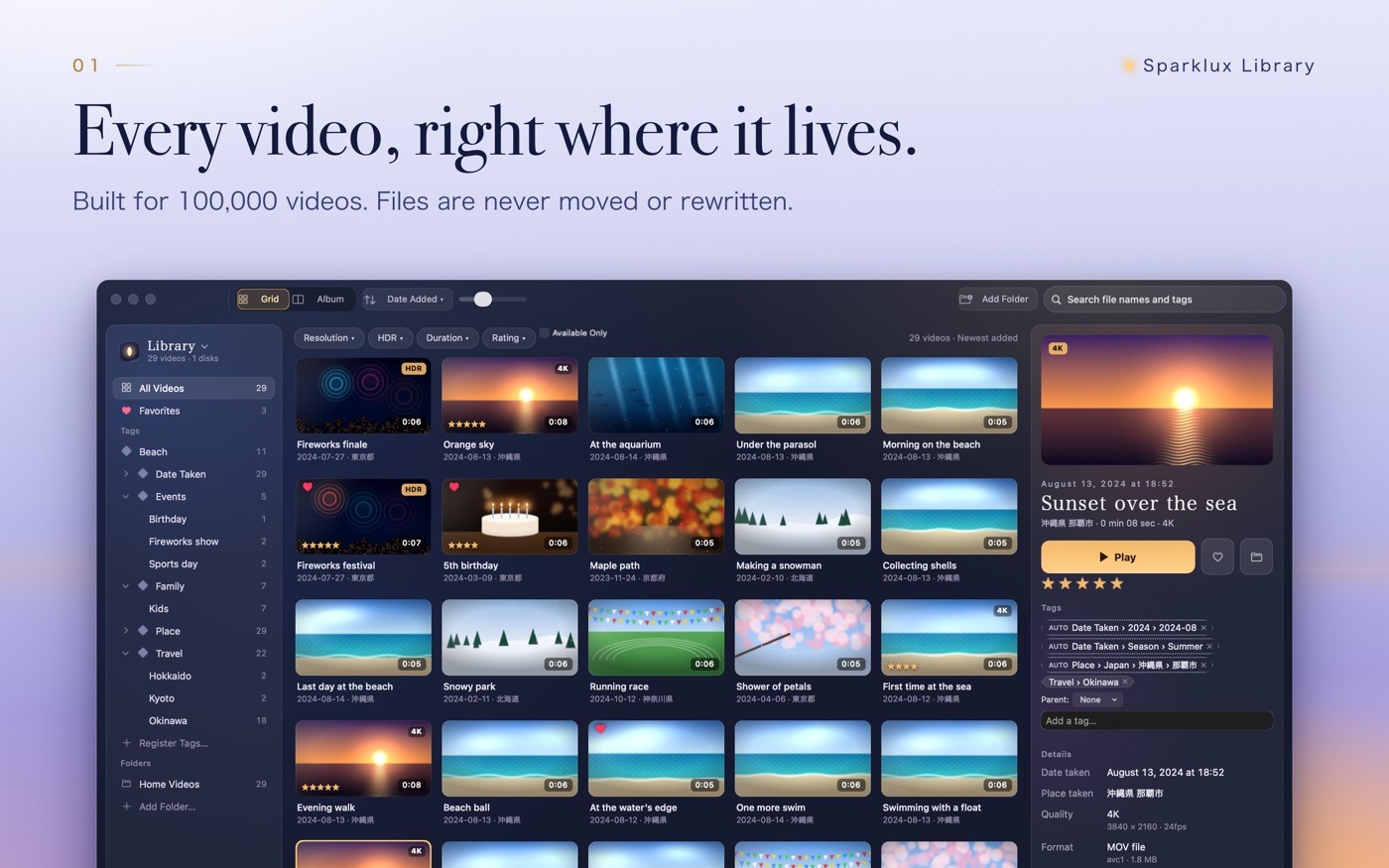
 Sparklux Library · Organize videos
How to organize thousands of videos on a Mac with tags, without moving your files
When your video collection grows into the thousands, folders alone stop working. What to check first, why folders fall short, the main ways to organize videos on a Mac compared, and fixes for common problems.
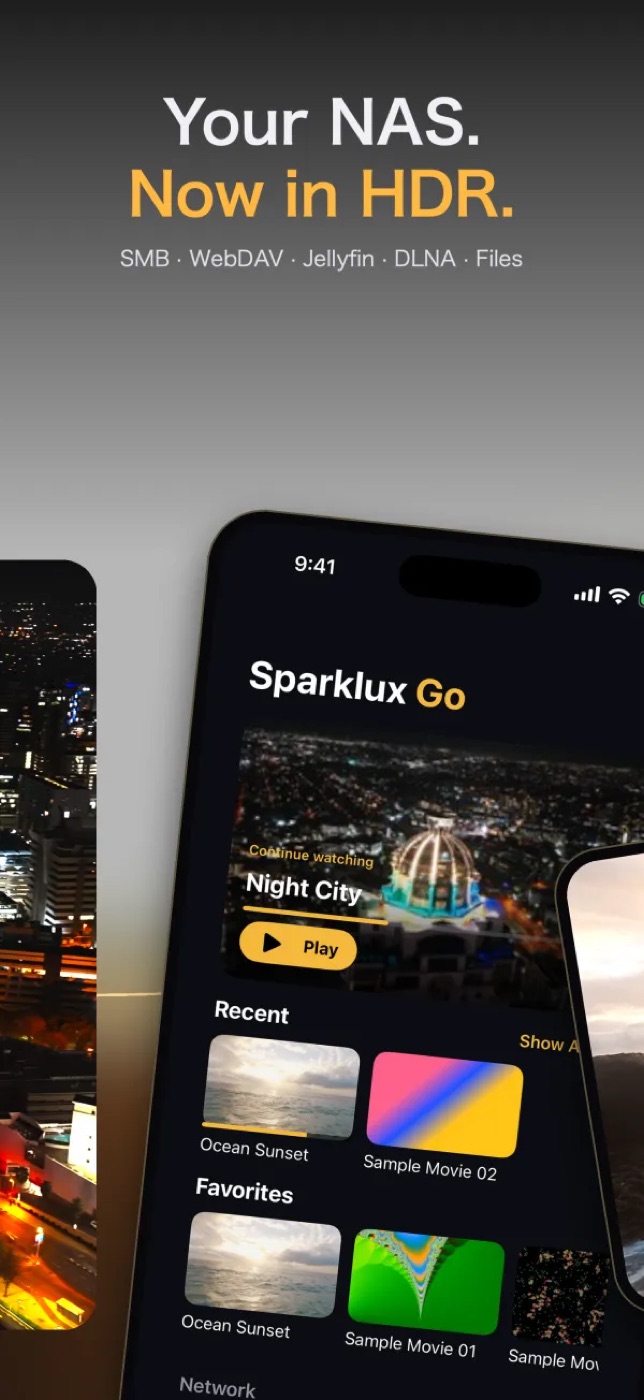
 Sparklux Go · Watch videos
How to watch videos from a NAS or Mac on your iPhone without copying them
Stream videos stored on a NAS or a Mac shared folder straight to your iPhone or iPad. What to check first, how it works, the options compared, and what to do when it won't connect.
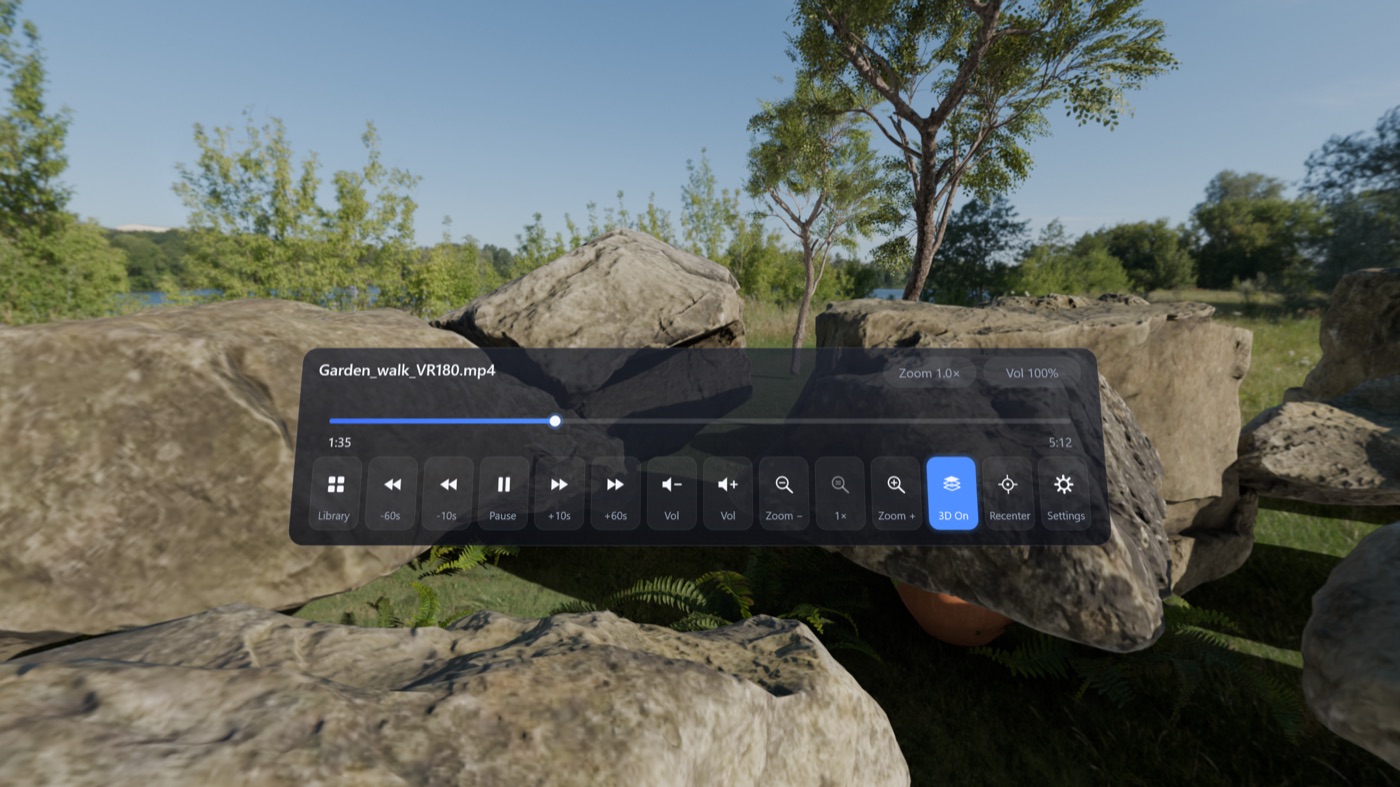
 Lumidepth Player VR · Watch in VR
How to Watch VR180 Videos from Your PC or NAS on Quest (Link / Air Link) — and Add Real Depth
Watch VR180 and VR360 videos stored on your PC or home NAS on a Meta Quest without copying them. What to check for Link and Air Link, a comparison of methods, and how AI depth makes the scene shift with your head.
 Voicloud Desktop · Recording & transcription
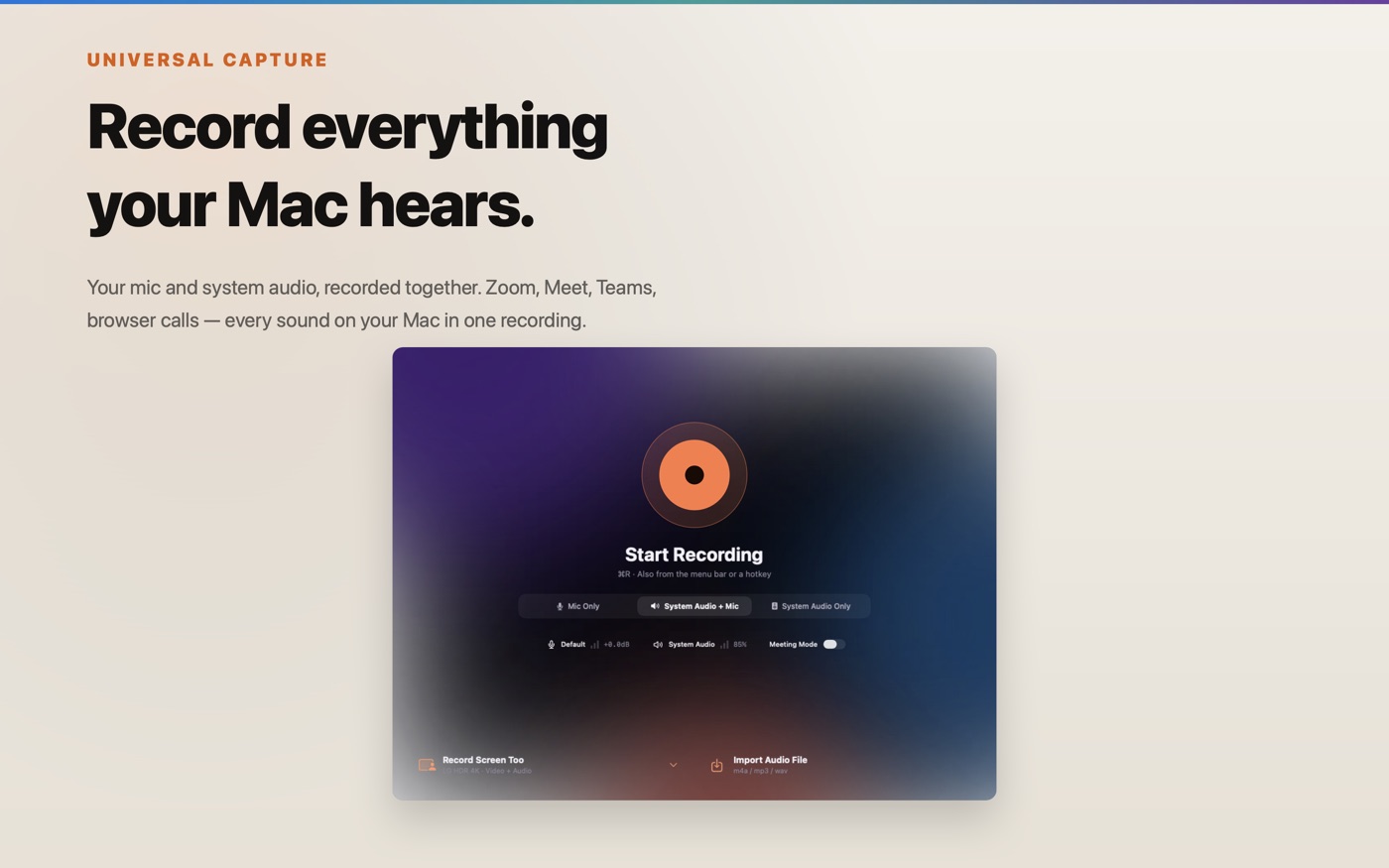
How to record and transcribe Zoom, Google Meet or Teams calls on a Mac
You want to record an online meeting on your Mac and turn it into notes. Here is why the other side's voice goes missing, how meeting apps' own recording compares, and how to capture Mac audio and your mic together and transcribe it.
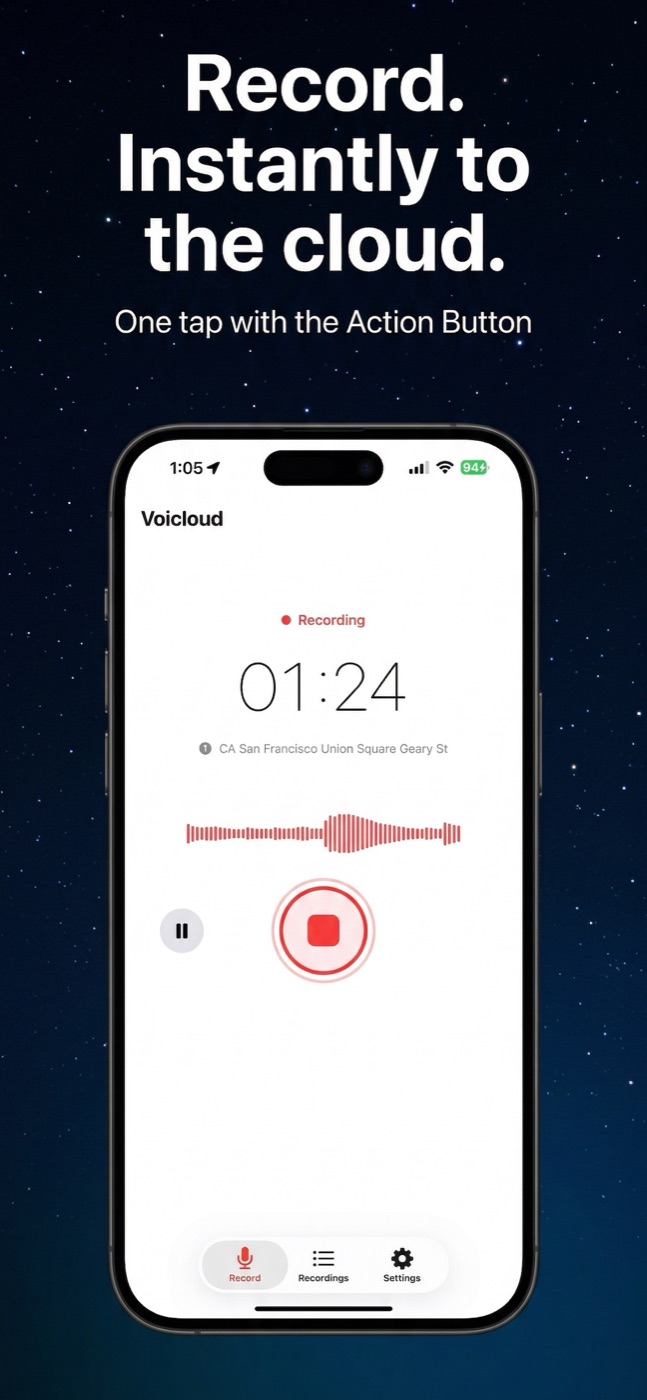
 Voicloud · Recording & transcription
How to transcribe meeting recordings on iPhone offline, without uploading audio
You want text and a summary from a meeting or interview recorded on your iPhone, but you would rather not send the audio to someone else's server. Here is how on-device transcription works and how it compares with other options.
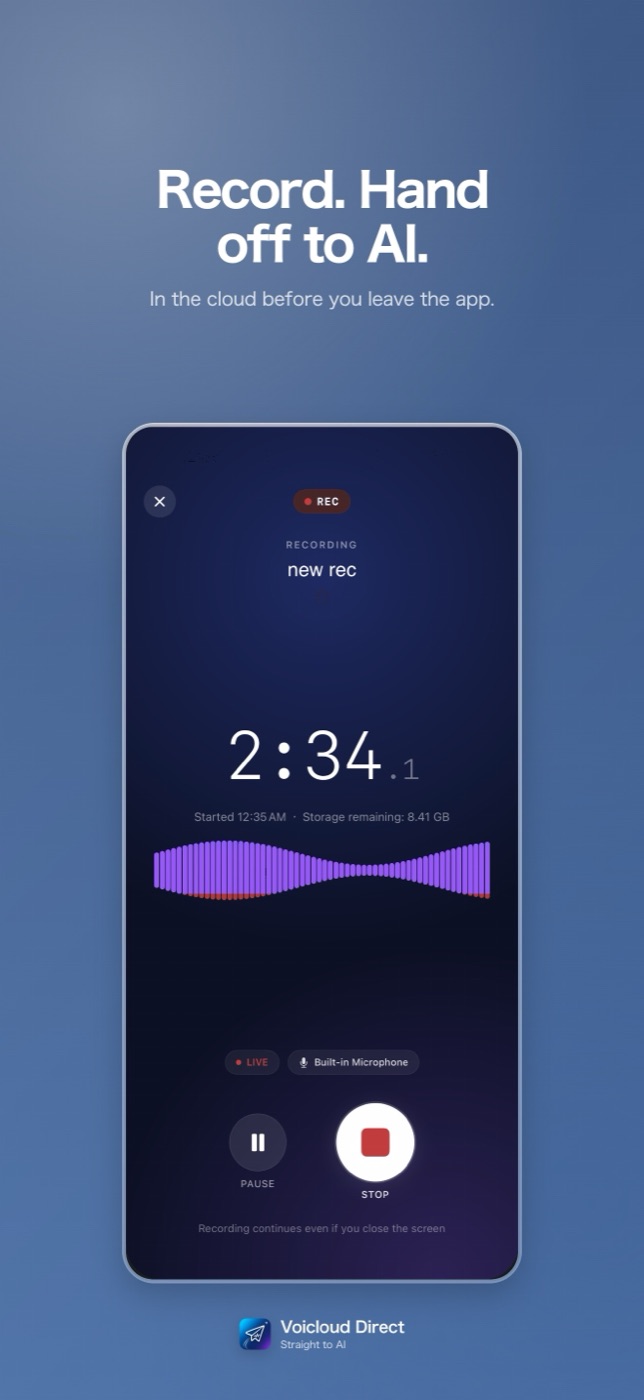
 Voicloud Direct · Recording & transcription
How to send iPhone voice recordings to NotebookLM, Gemini or ChatGPT for transcription
You record on your iPhone and want NotebookLM, or your own OpenAI or Gemini API key, to transcribe and summarize it. Here are the ways to get audio there and how to make it a one-tap habit.