press

Press kit

Materials for writing about mon neural's apps. Icons and screenshots are the same as on the App Store. Feel free to use them in your coverage.

About mon neural

mon neural is a one-person studio in Japan that takes apps from idea to release with AI-driven development. Between April and October 2026 it released six apps for iPhone, iPad and Mac, and one PC VR app for Meta Quest.

Sparklux Icon (1024px)
macOS

Sparklux

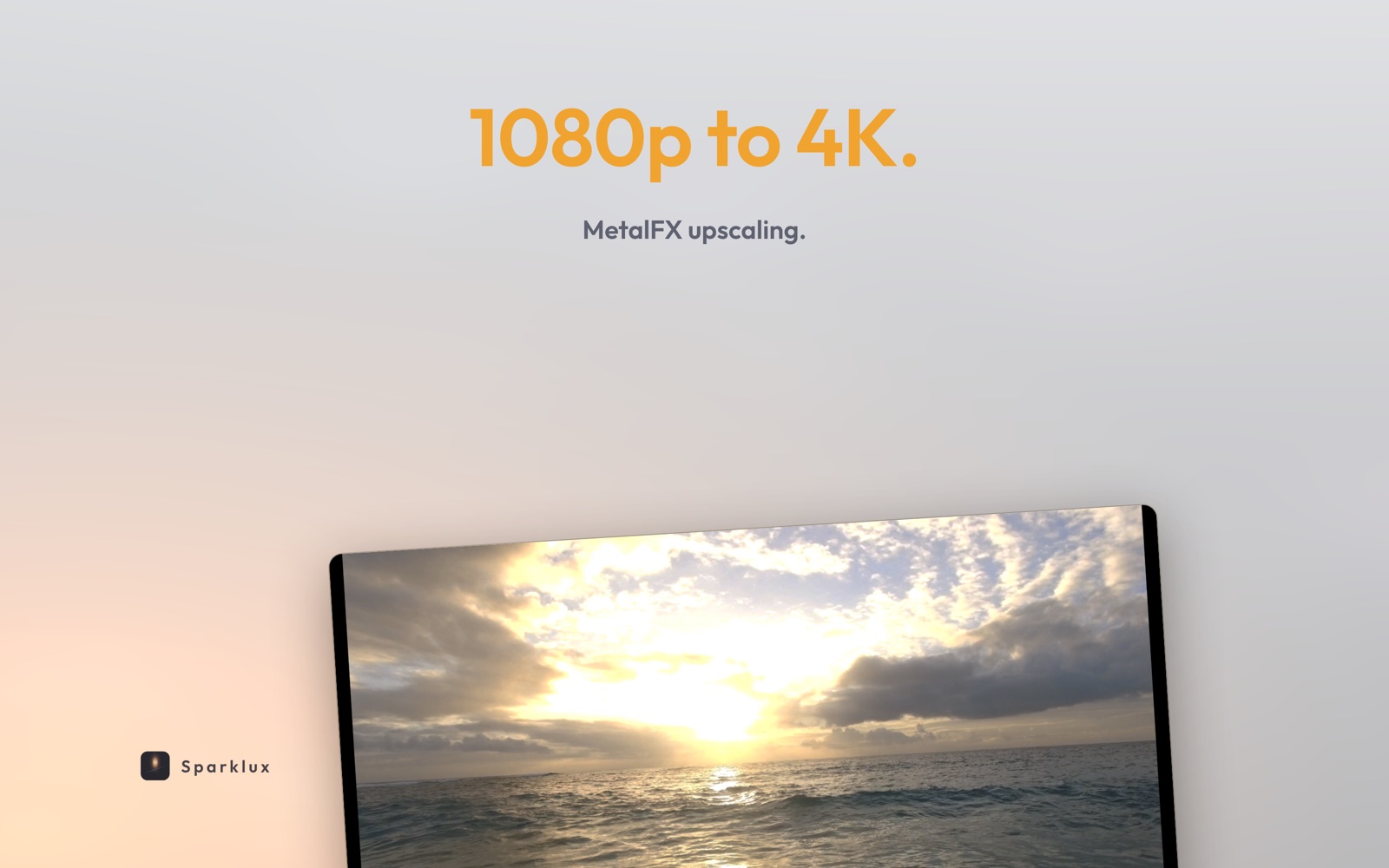
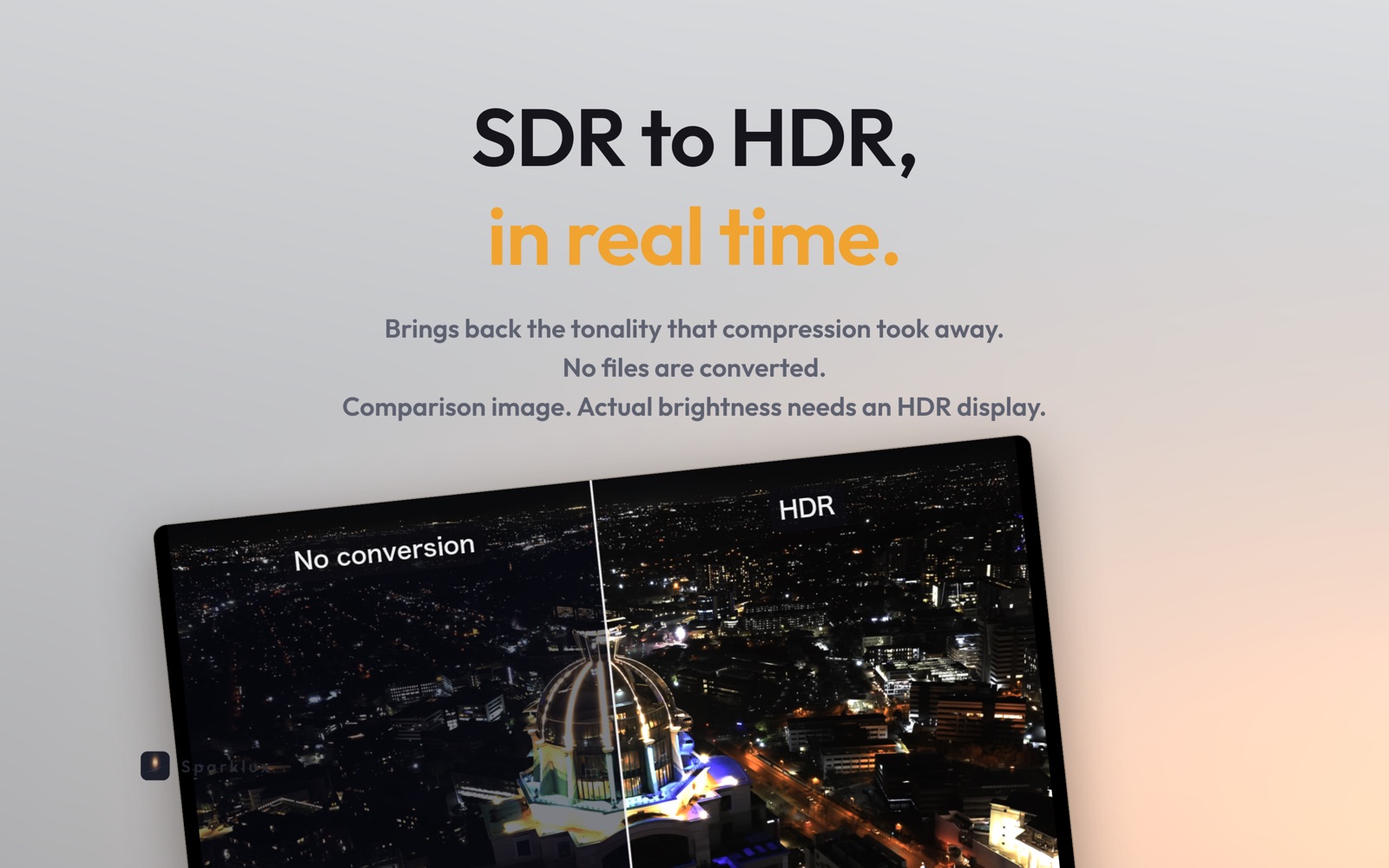
A Mac video player that shows your SDR videos with HDR brightness, in real time.

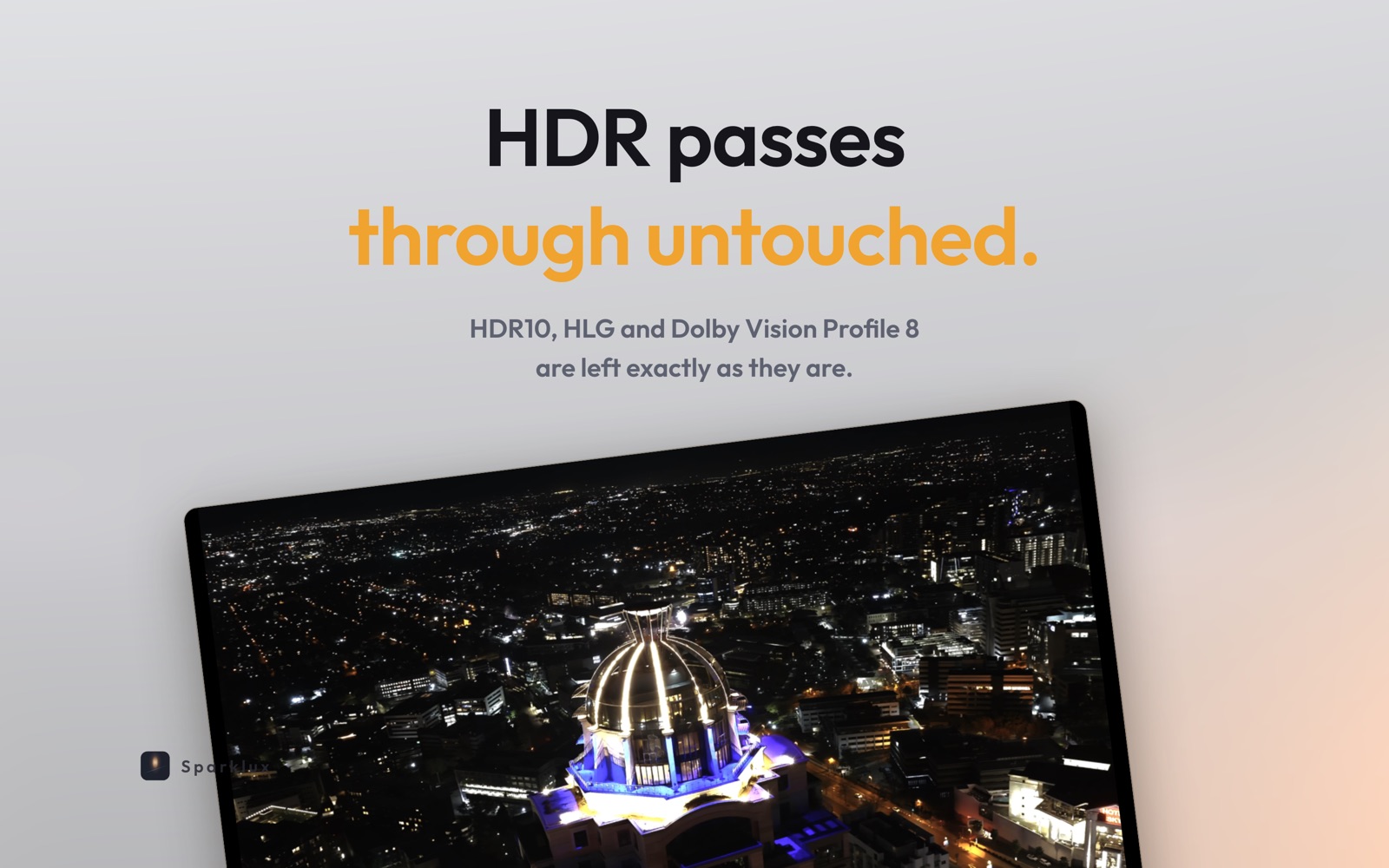
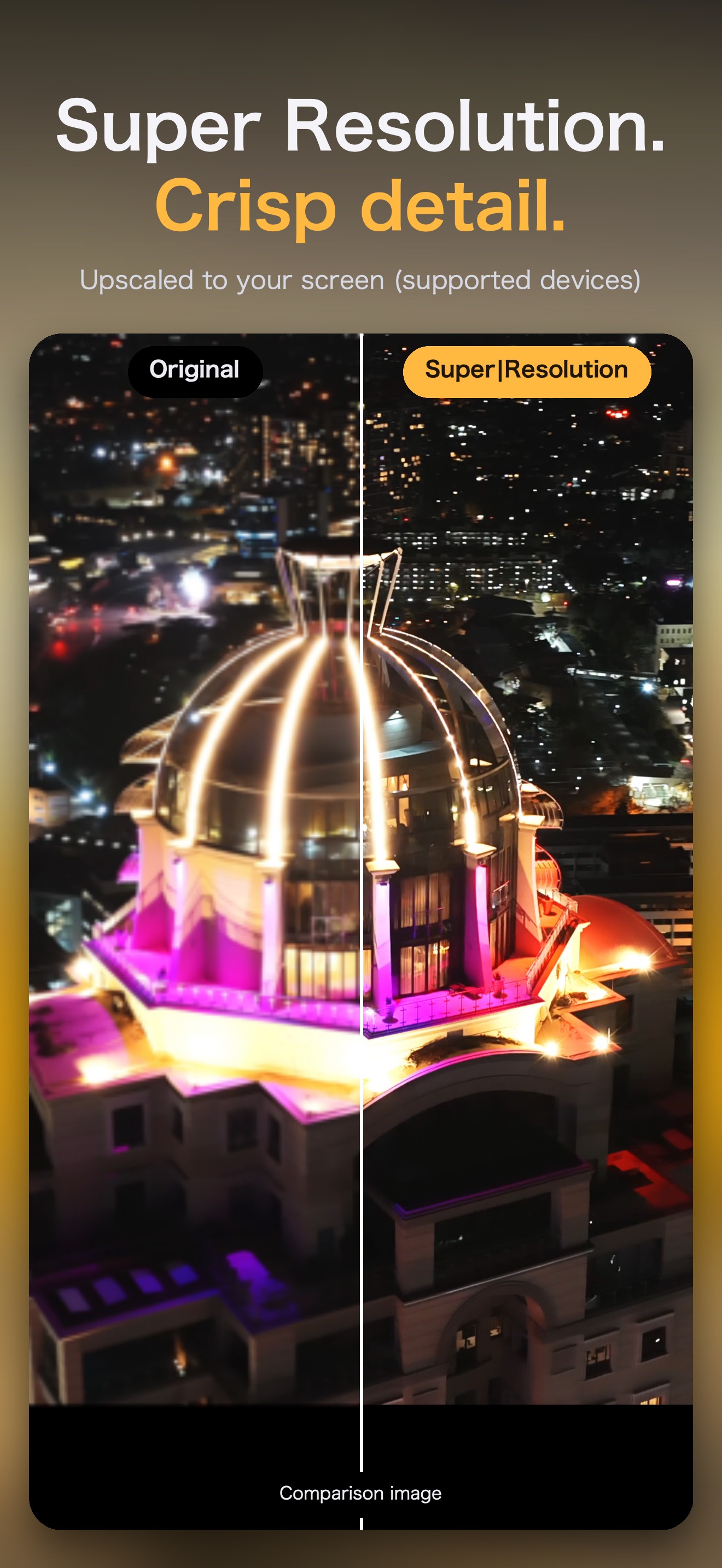
No conversion and no new files. It restores the brightness range lost to compression and upscales the picture while it plays. The effect shows on Macs with HDR-capable displays.

  • Real-time SDR-to-HDR while playing
  • Upscaling, with super-resolution tuned for anime
  • No converted copies on disk
Released
2026-09
Price
Free download, one-time unlock $5.99, 7-day free trial
Sparklux Screenshots 1Sparklux Screenshots 2Sparklux Screenshots 3
Sparklux Go Icon (1024px)
iPhone · iPad

Sparklux Go

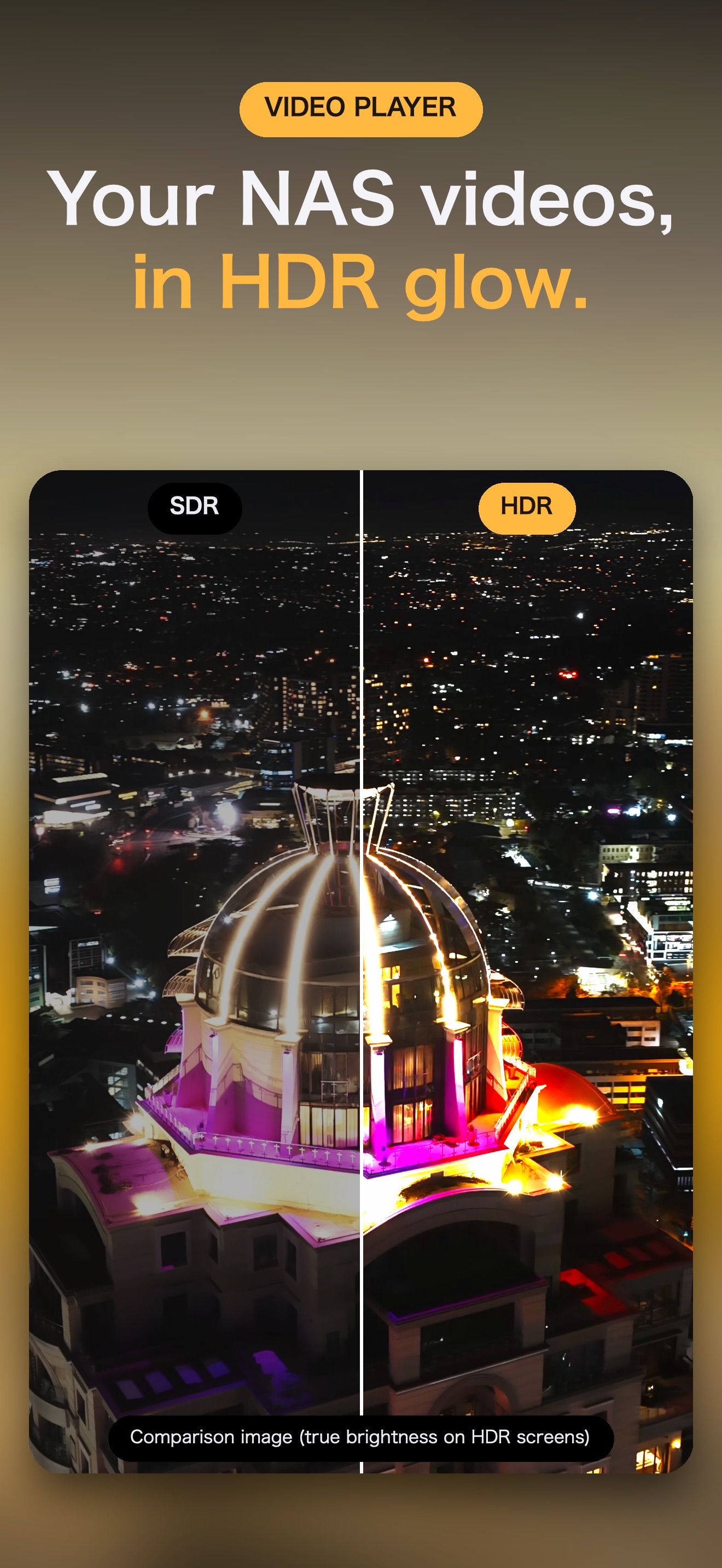
Play videos from your Mac or NAS on iPhone and iPad, with HDR brightness, without copying them.

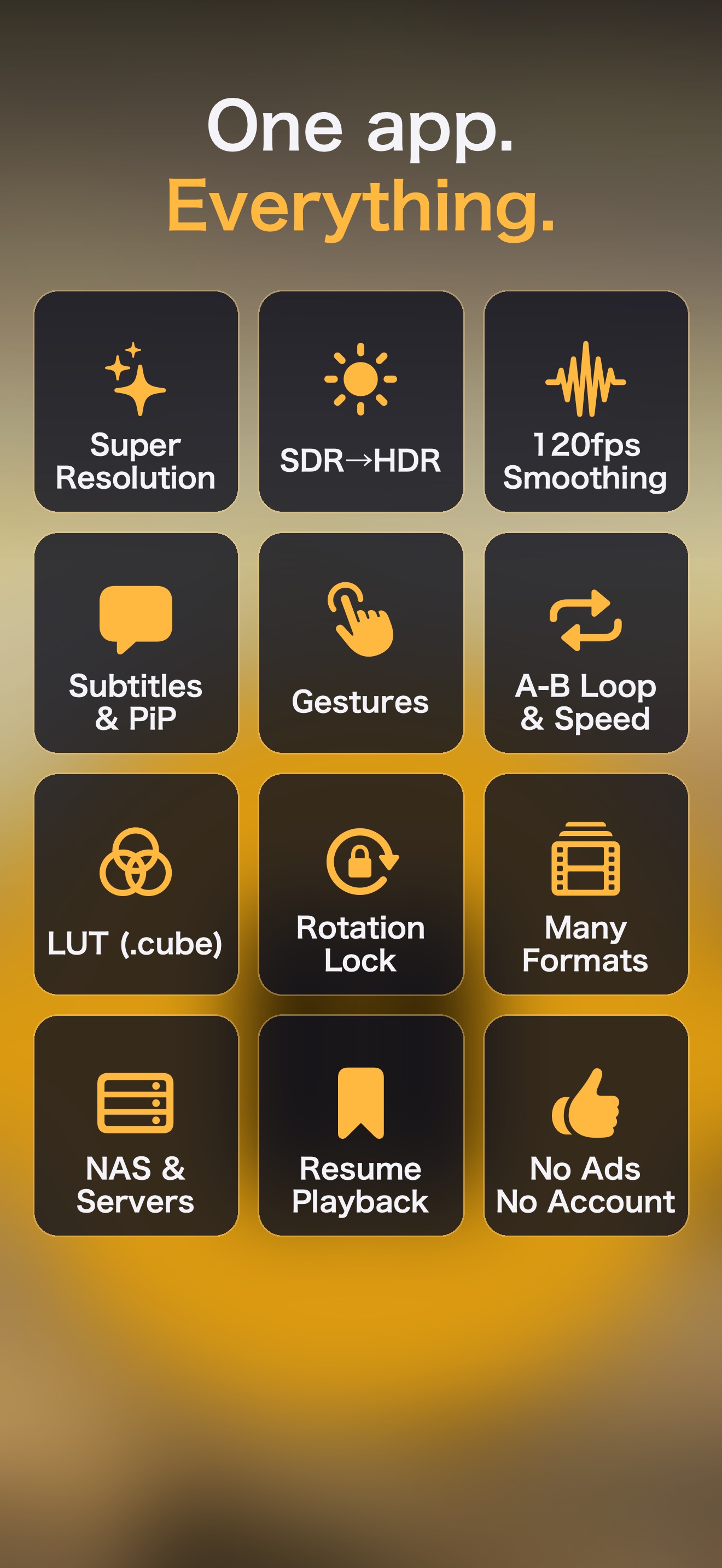
Browse shared folders (SMB) and open videos directly. While playing, it converts SDR to HDR brightness, upscales to your screen's resolution and interpolates motion up to 120 fps.

  • Direct playback from SMB shares
  • SDR-to-HDR, upscaling, up to 120 fps interpolation
  • Super-resolution tuned for anime, Anime4K
  • MKV, AVI, subtitles, playback speed, A-B loop, LUTs
  • 42 languages
Released
2026-09
Price
Free download, one-time unlock $3.99, 3-day free trial
Sparklux Go Screenshots 1Sparklux Go Screenshots 2Sparklux Go Screenshots 3
Sparklux Library Icon (1024px)
macOS

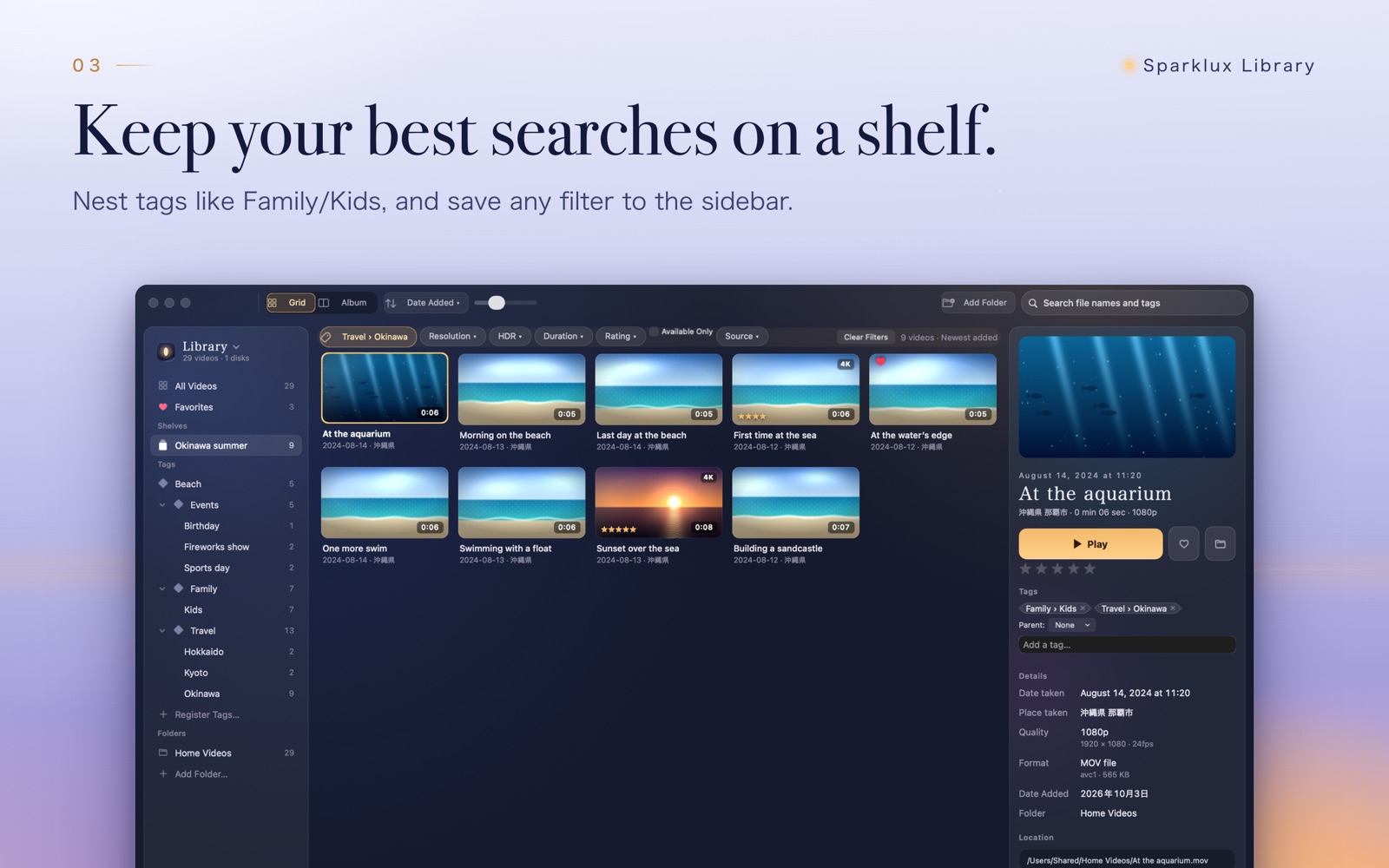
Sparklux Library

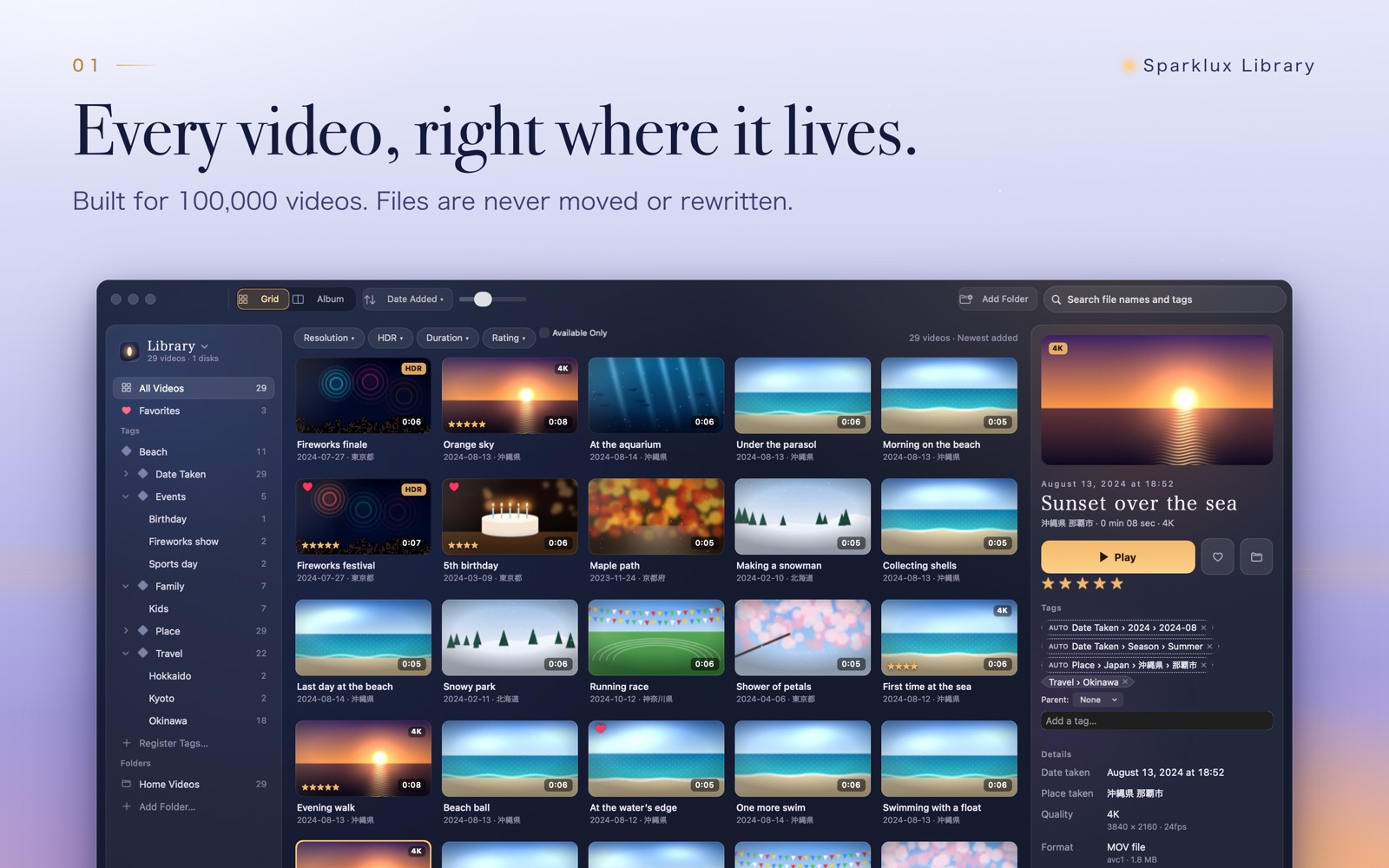
A video library for the Mac that keeps your tags private.

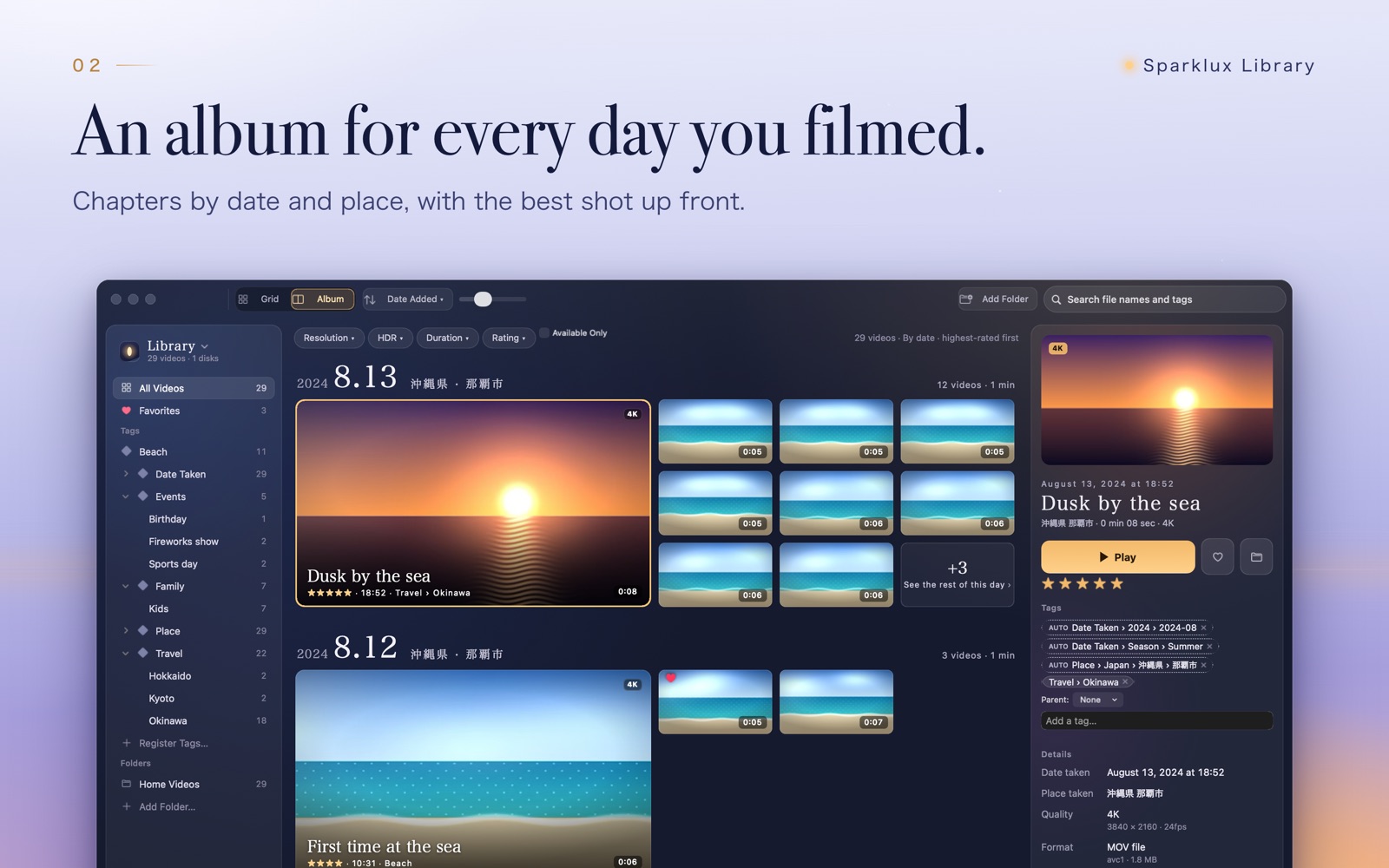
Tags live only in the app and are never written to your files. It keeps track of videos when you move them between folders or drives, and syncs over iCloud.

  • Tags stay in the app, files are untouched
  • Finds files again after you move them
  • iCloud sync, no limit on library size
  • Playback with super-resolution tuned for anime; settings remembered per video
Released
2026-10
Price
Free download, one-time unlock $9.99, 3-day free trial
Sparklux Library Screenshots 1Sparklux Library Screenshots 2Sparklux Library Screenshots 3
Voicloud Icon (1024px)
iPhone

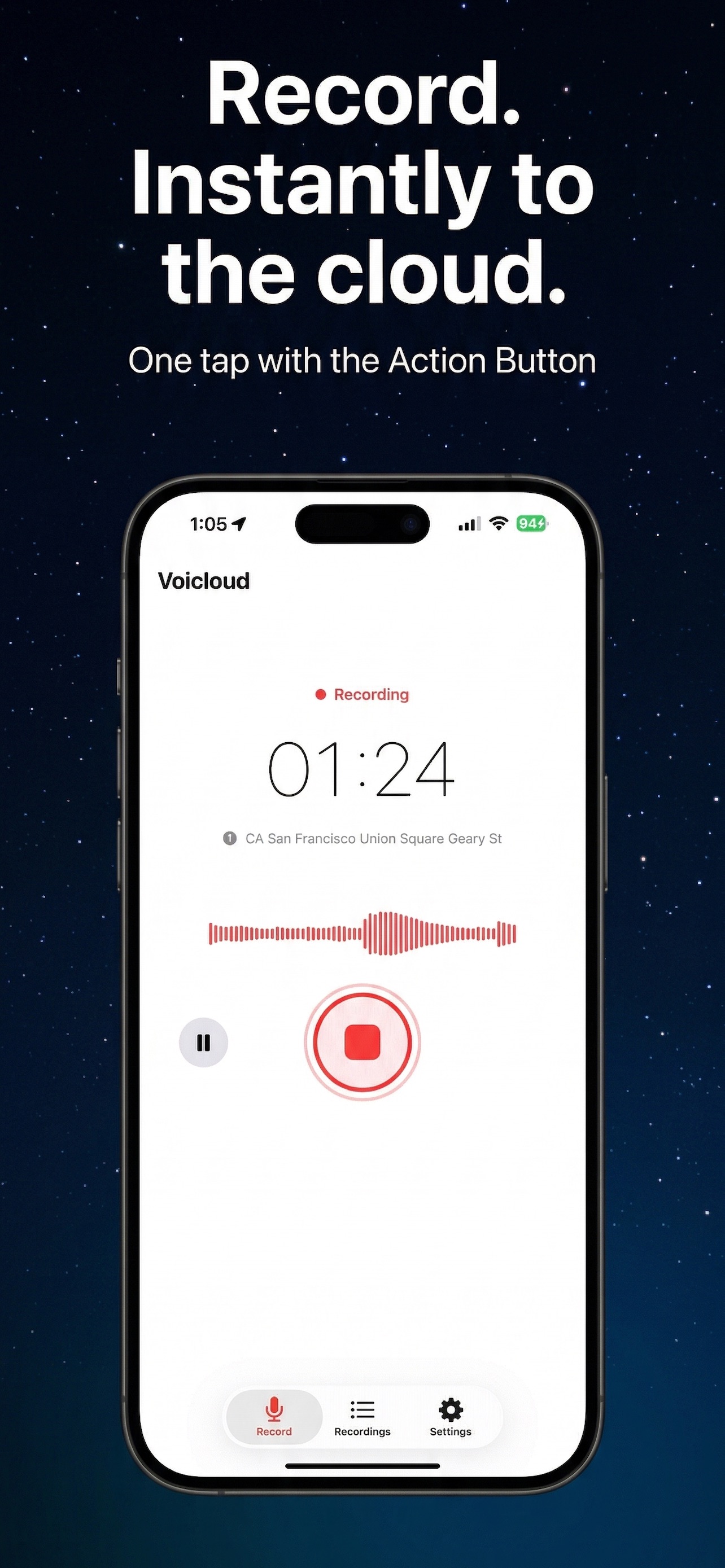
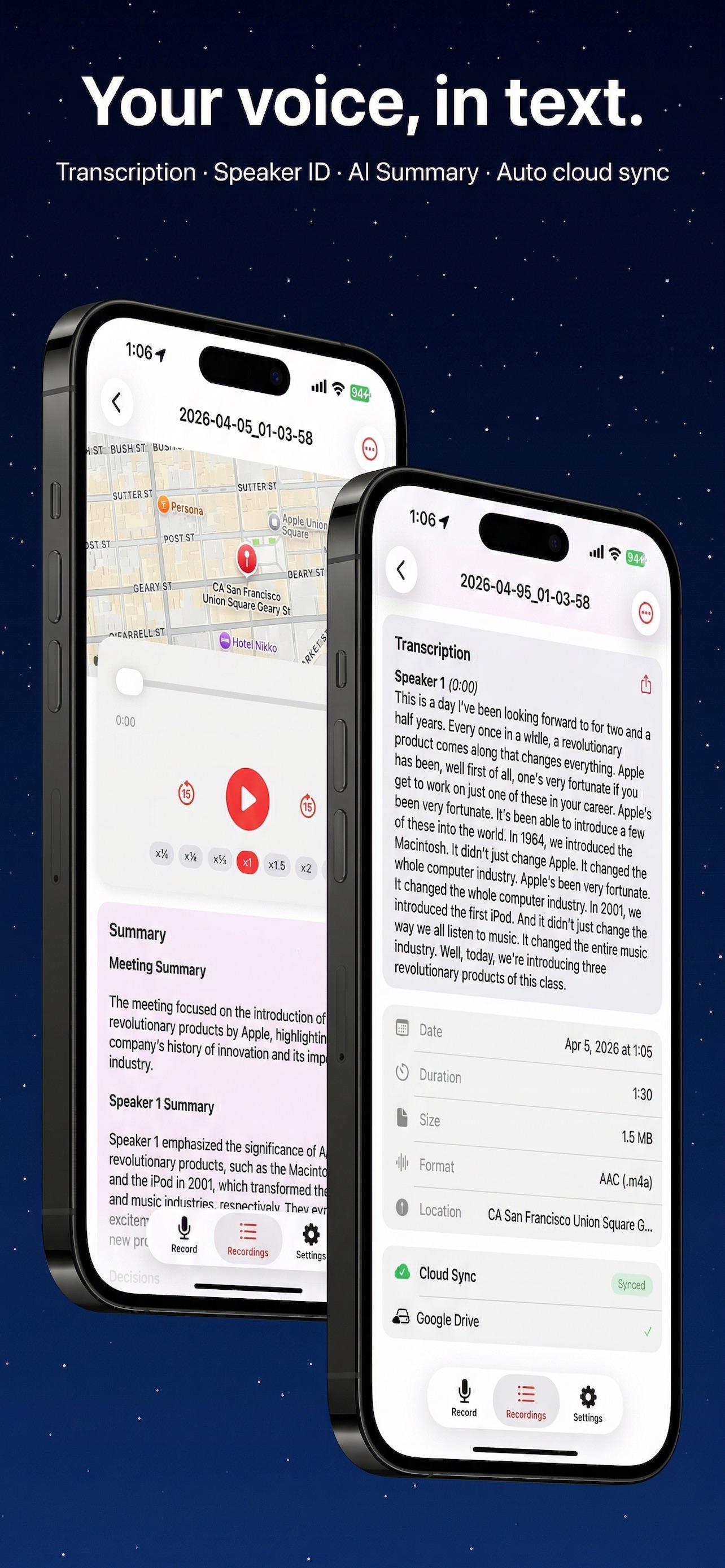
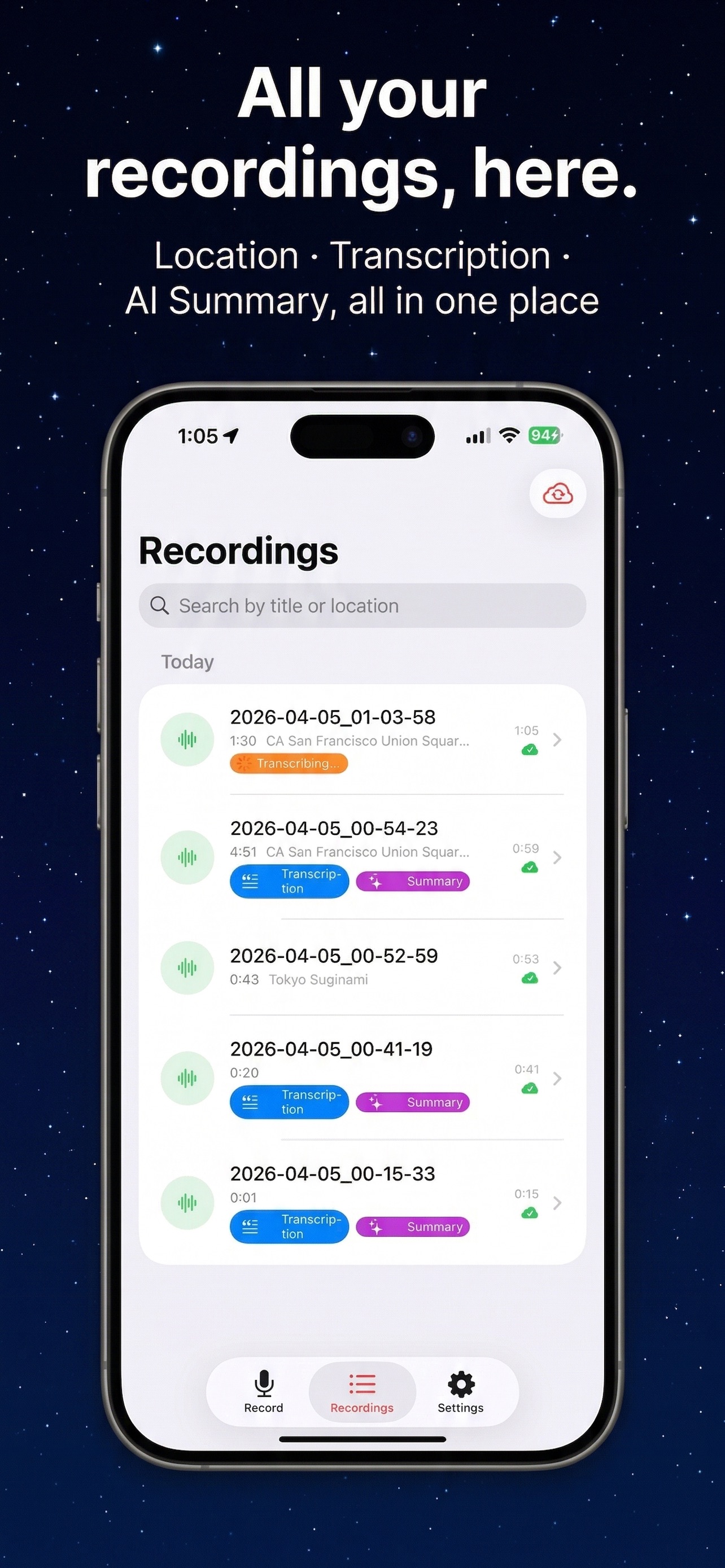
Voicloud

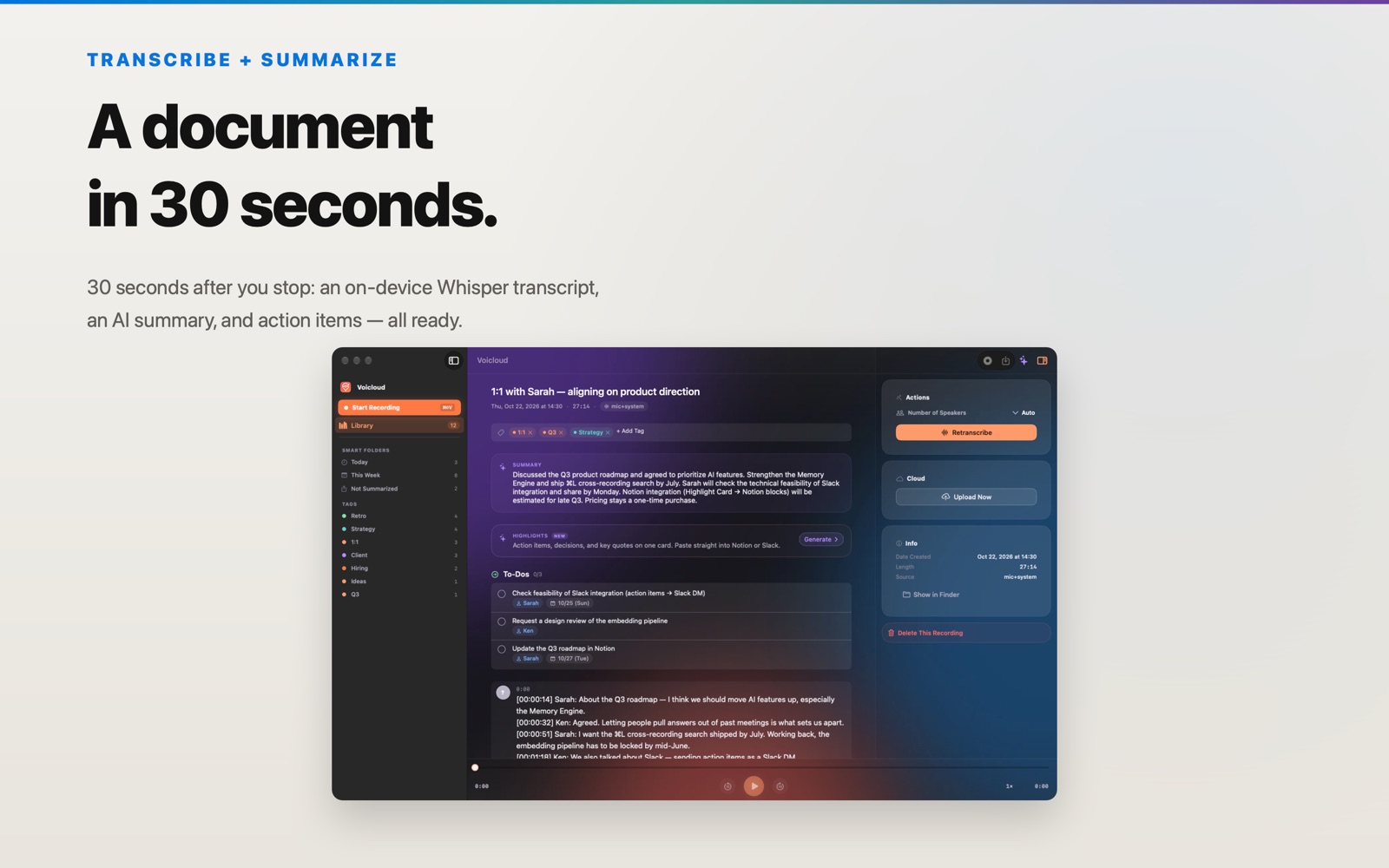
A voice recorder that transcribes, separates speakers and summarizes, on your iPhone.

Processing stays on the device, and you choose whether anything is uploaded. Works with Bluetooth microphones.

  • Transcription with speaker separation
  • On-device summaries
  • Bluetooth microphone support
Released
2026-04
Price
Free download (premium features $1.99)
Voicloud Screenshots 1Voicloud Screenshots 2Voicloud Screenshots 3
Voicloud Direct Icon (1024px)
iPhone

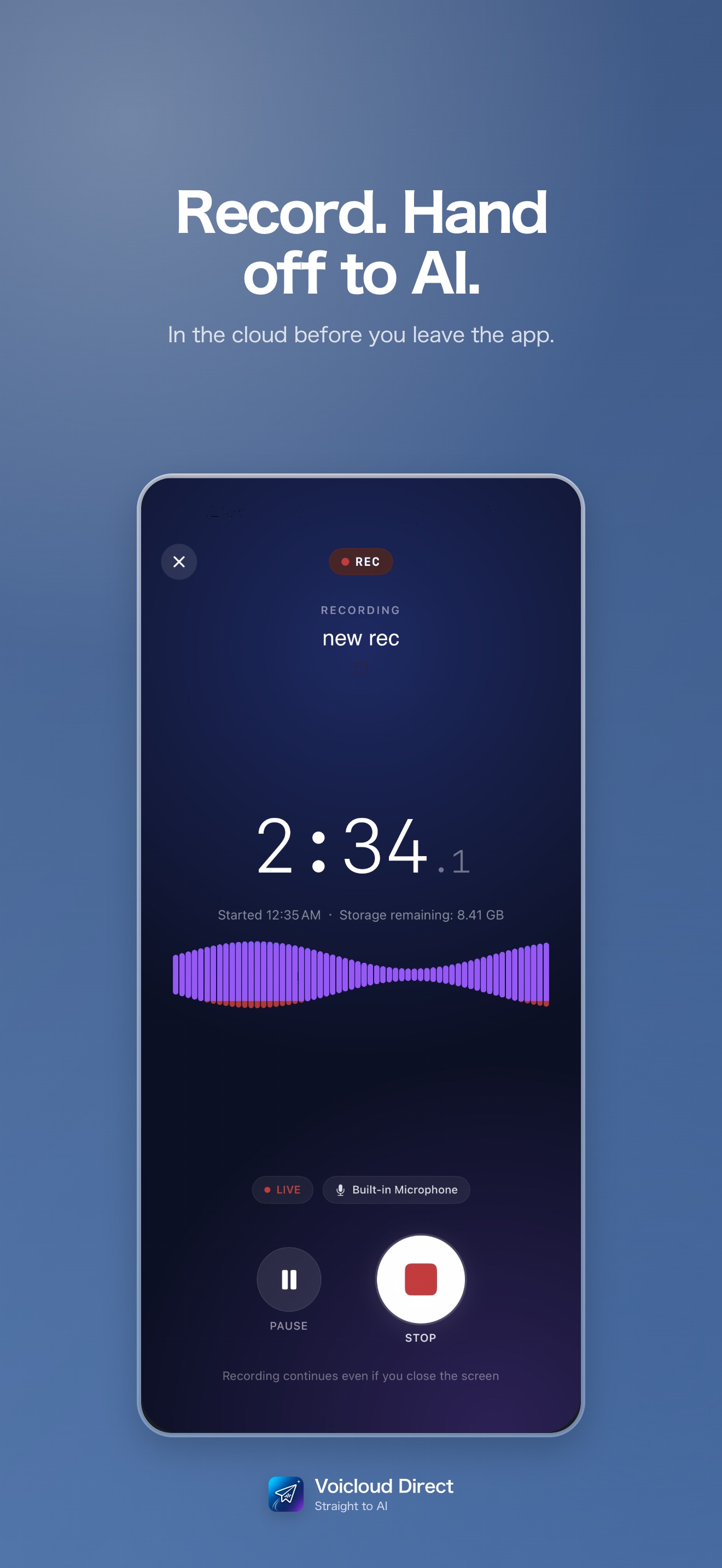
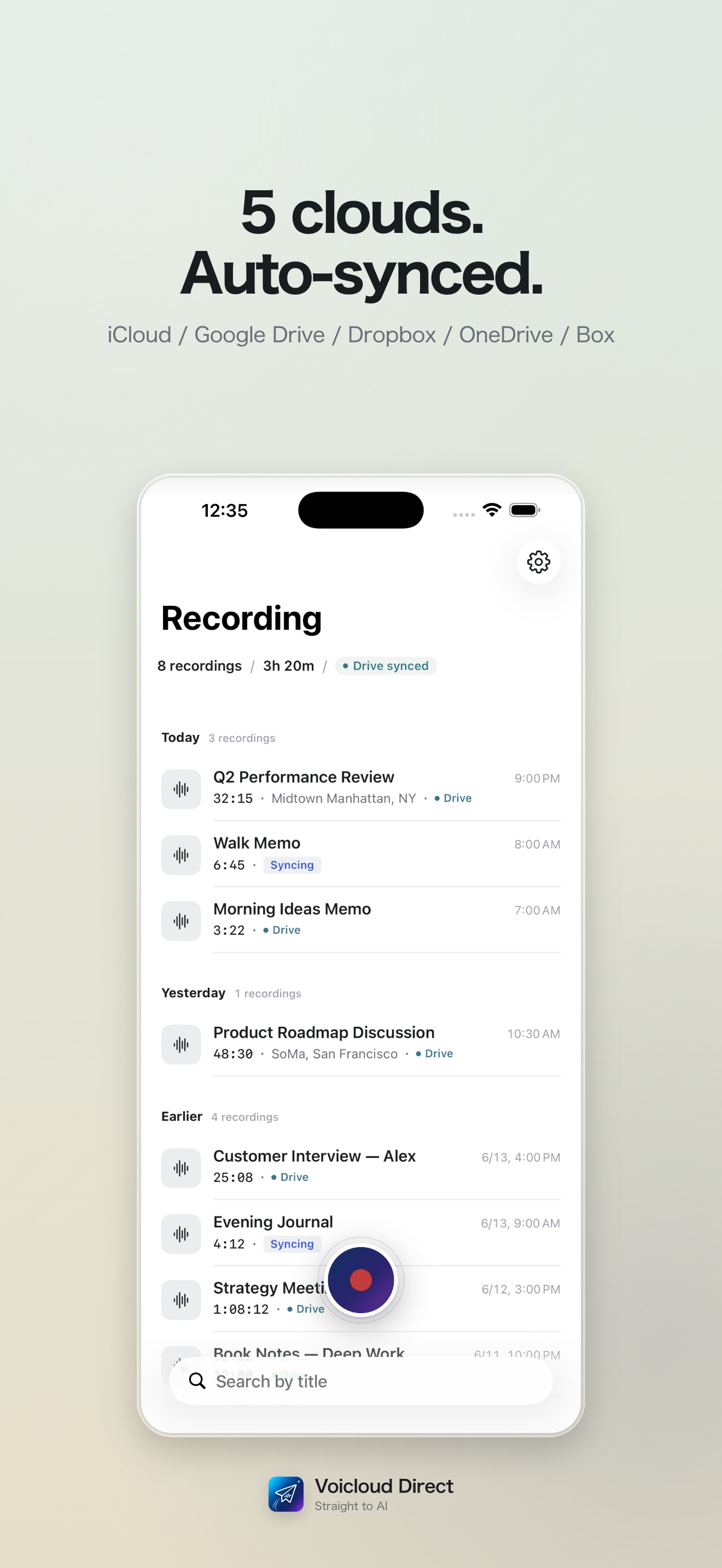
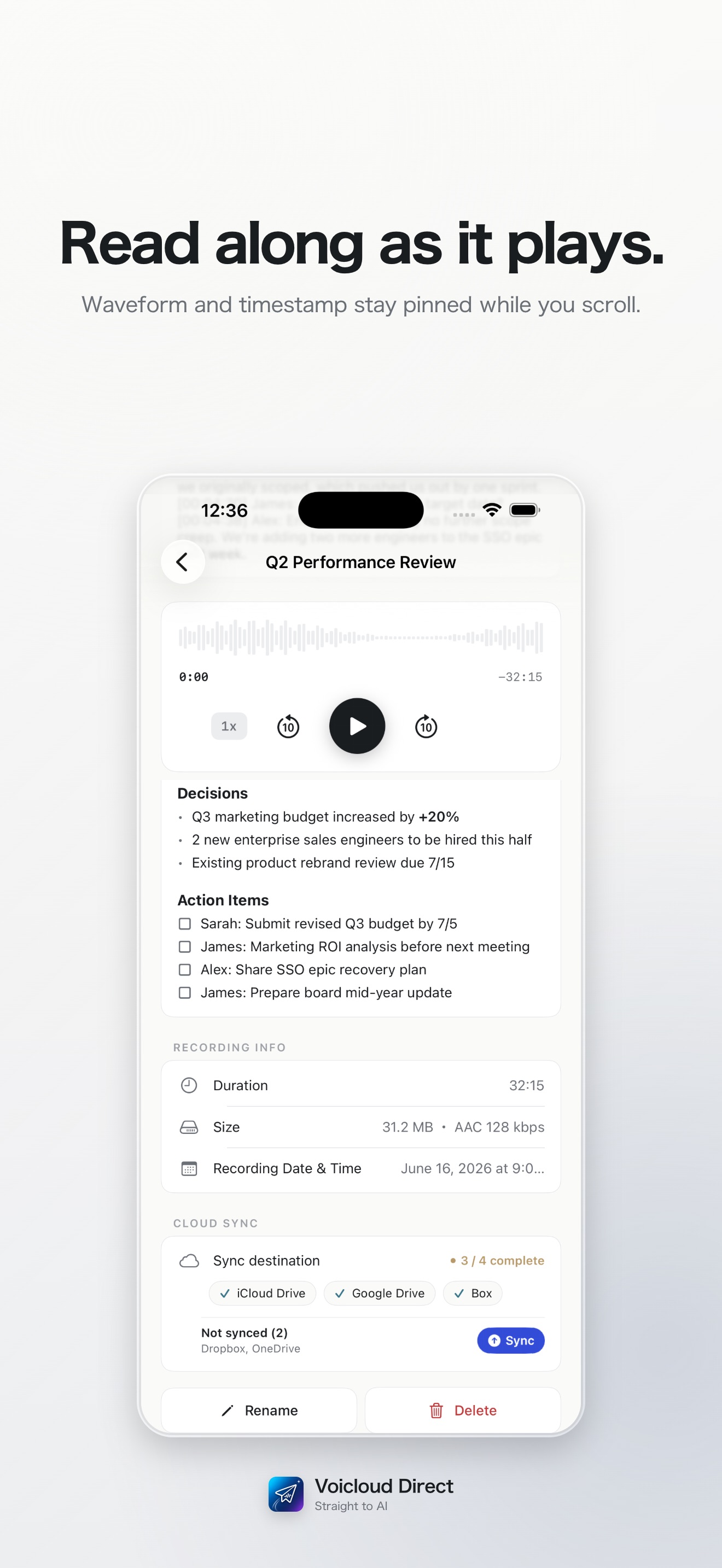
Voicloud Direct

Record, then hand it straight to AI. A lightweight recorder that does just that.

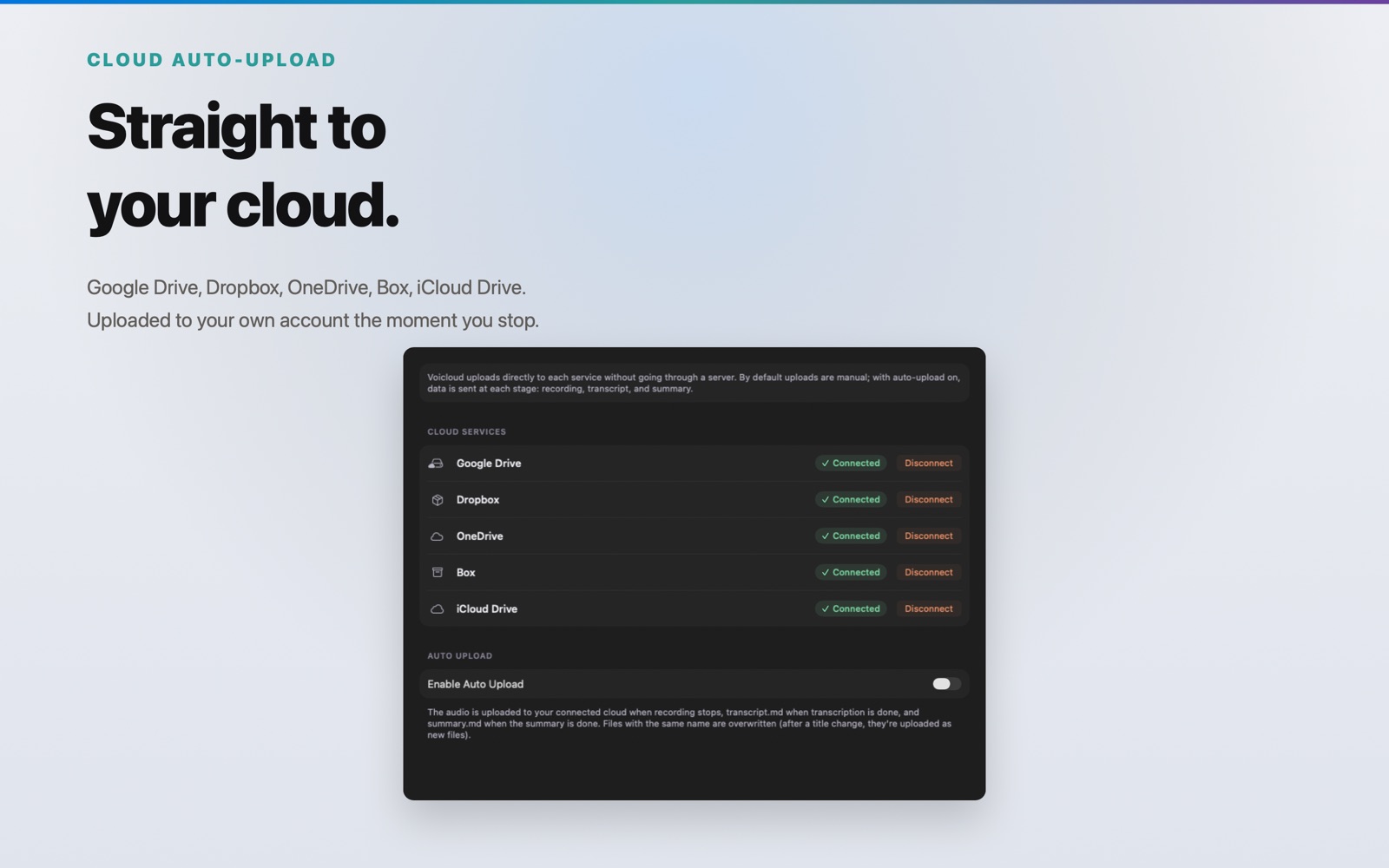
Recordings sync automatically to the cloud you connect, such as iCloud Drive or Google Drive (5 services).

  • Auto-sync to 5 cloud services
  • Trim a recording before handing it to AI
  • Built only for recording
Released
2026-06
Price
Free download, one-time unlock $1.99, 3-day free trial
Voicloud Direct Screenshots 1Voicloud Direct Screenshots 2Voicloud Direct Screenshots 3
Voicloud Desktop Icon (1024px)
macOS

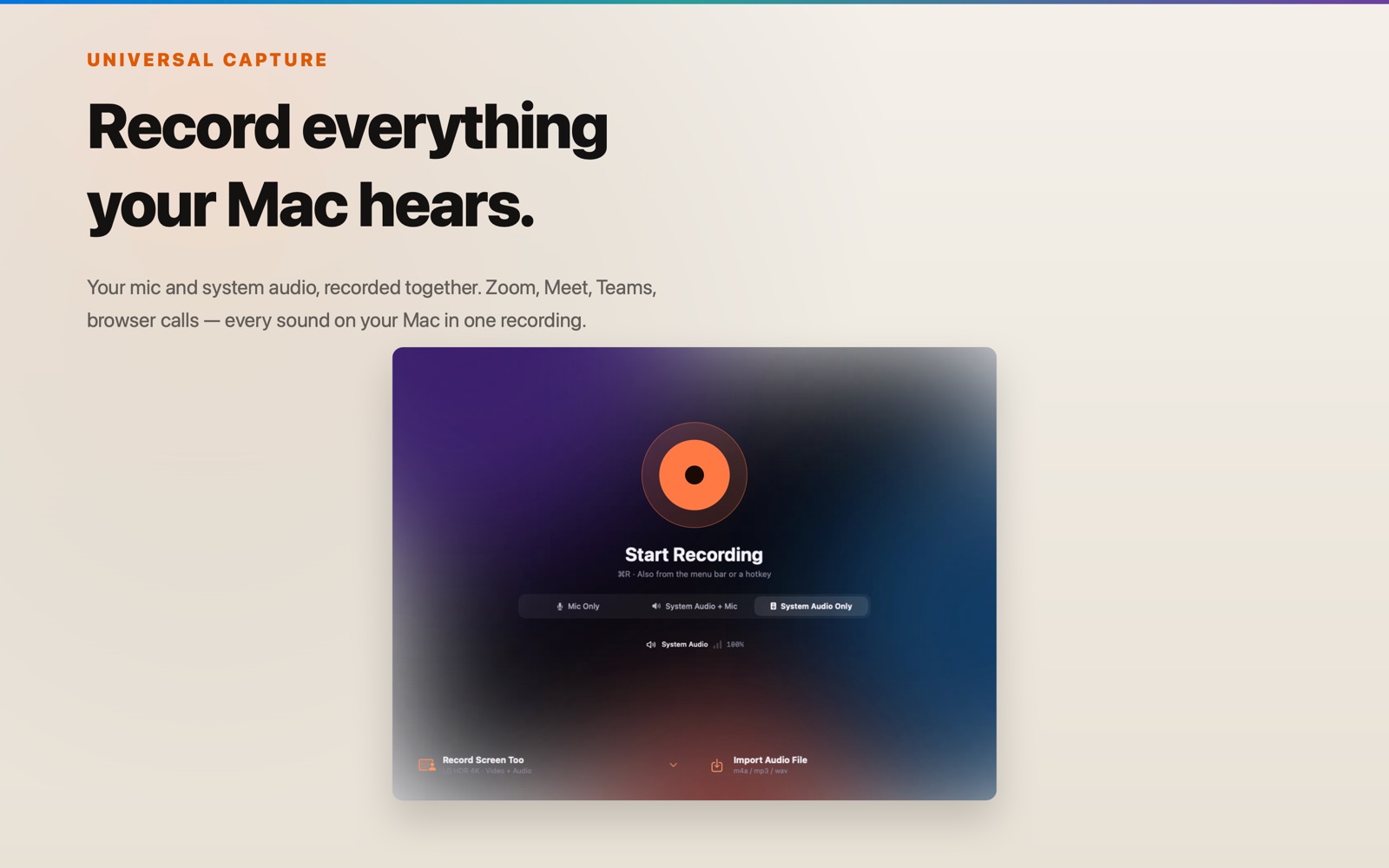
Voicloud Desktop

An app that records the audio playing on your Mac and turns it into documents.

It records Zoom, Meet, Teams and browser meetings, and transcribes them on your Mac. Summaries run on your Mac or with Gemini, your choice. Available in English, German, Spanish, French, Korean, Simplified Chinese and Japanese.

  • Records meeting apps and browser audio, and the screen too
  • Transcription runs on your Mac
  • Summaries on your Mac or with Gemini
Released
2026-06
Price
Free download, 3-day free trial, then a one-time purchase
Voicloud Desktop Screenshots 1Voicloud Desktop Screenshots 2Voicloud Desktop Screenshots 3
Lumidepth Player VR Icon (1024px)
Meta Quest · PC VR (Link)

Lumidepth Player VR

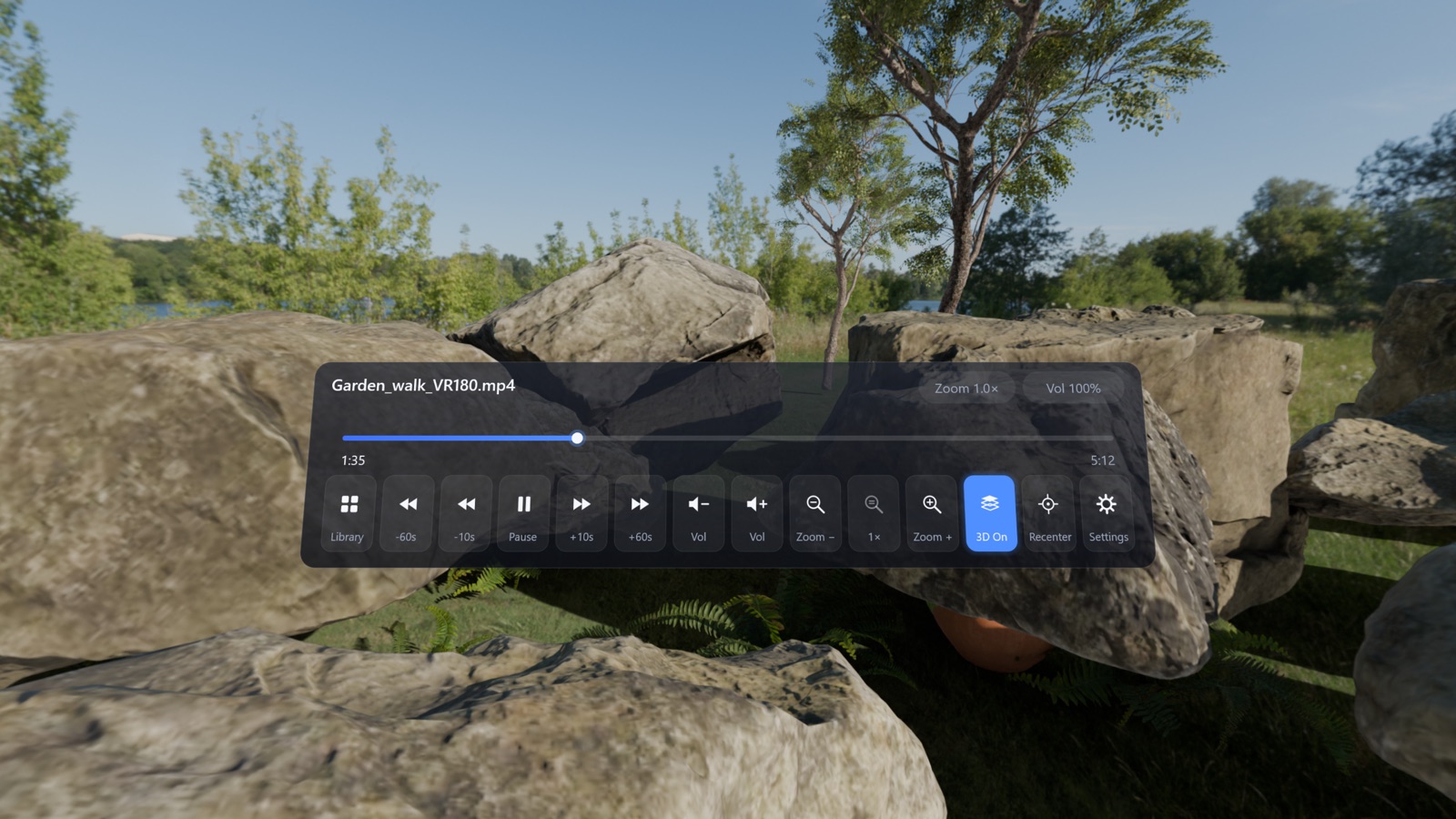
A player for watching VR180 and VR360 videos from your PC or NAS on Quest.

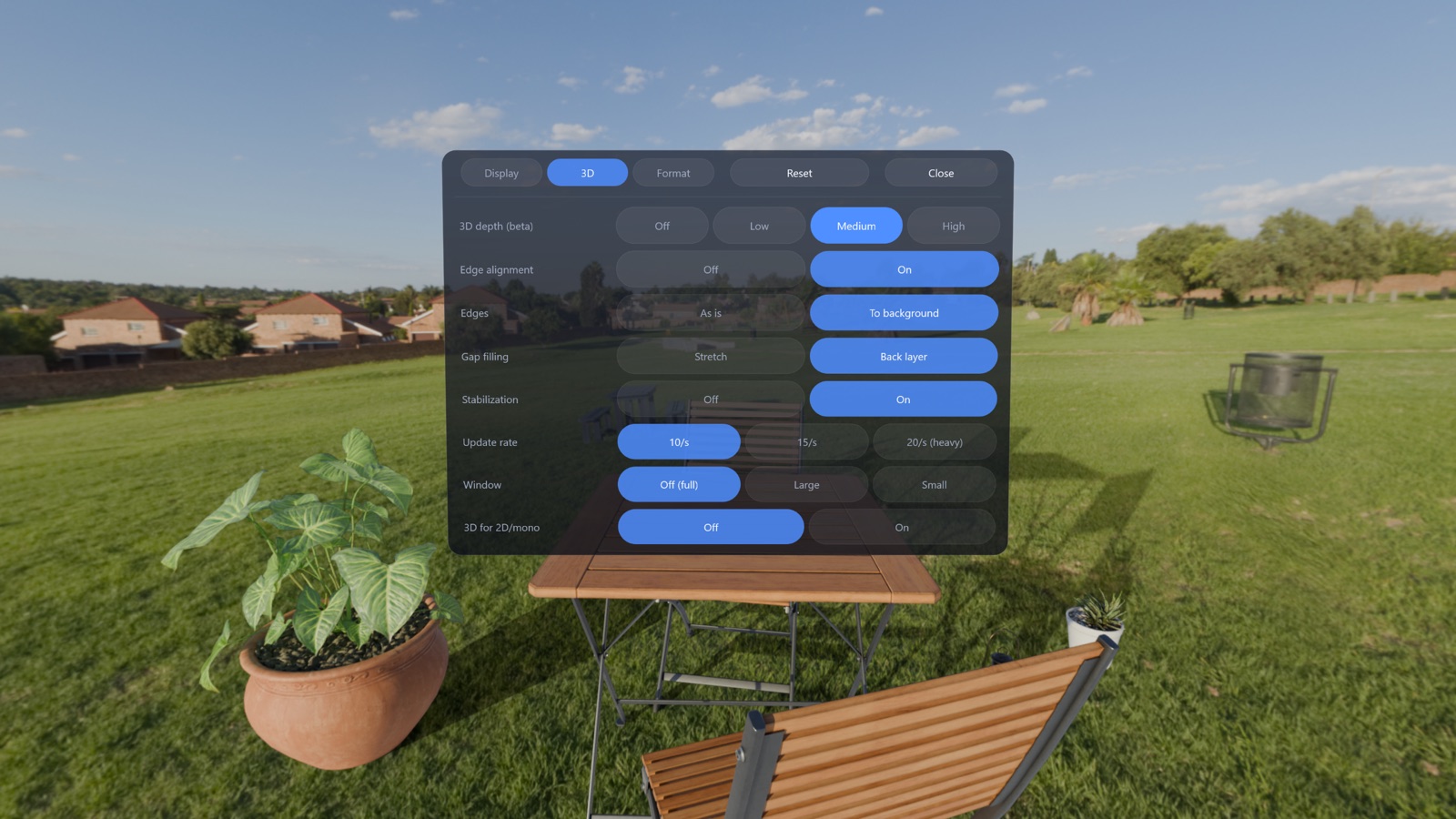
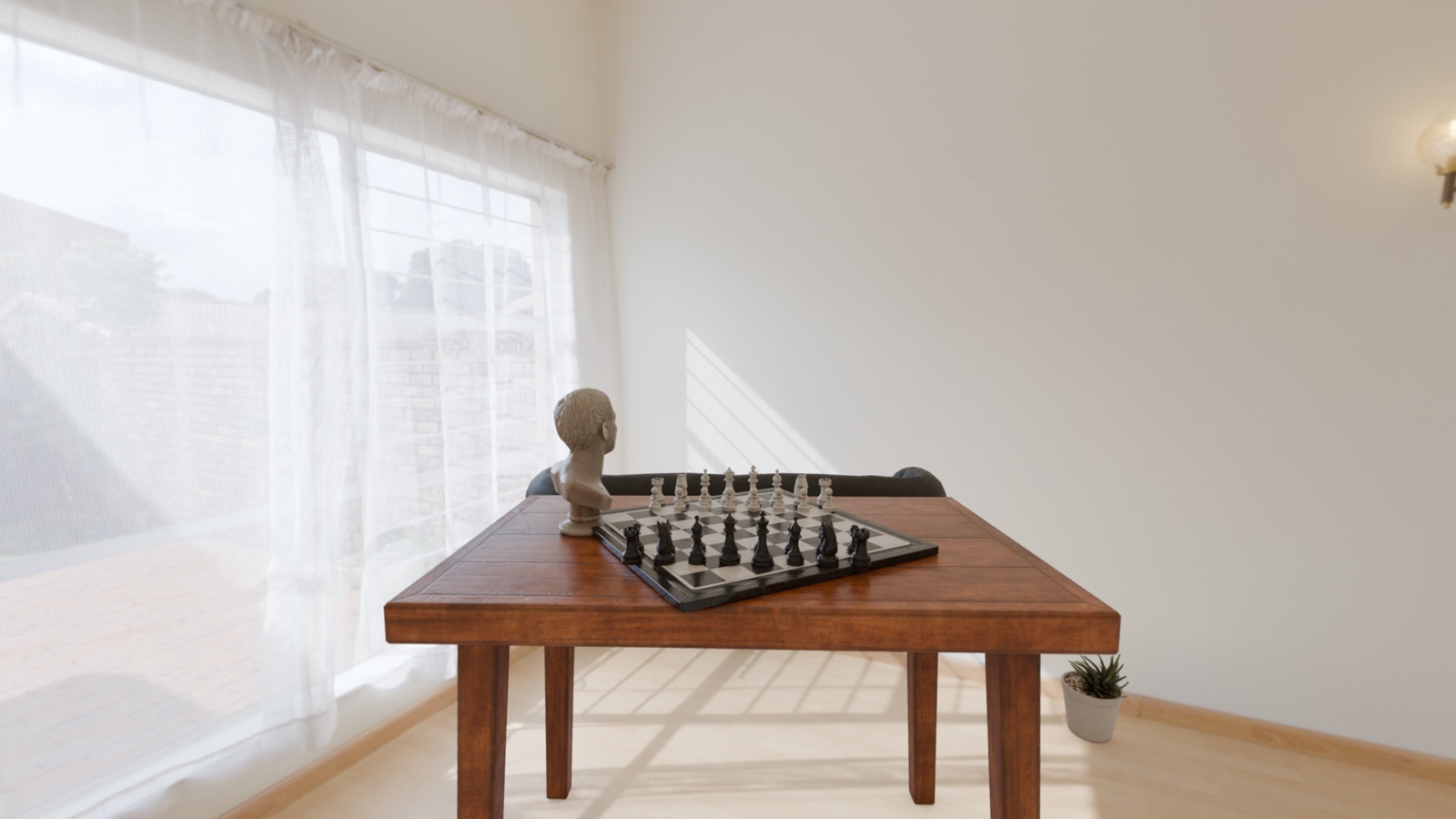
AI estimates depth for every frame, so near and far objects shift naturally as you move your head. Everything runs on your PC, with no account needed.

  • AI-generated depth, even for regular 2D videos
  • Direct playback from Windows shared folders (SMB)
  • All processing on your PC, no sign-up
  • Windows PC with NVIDIA RTX 3060 or better, Quest via Link / Air Link
Released
2026-10
Price
$9.99
Lumidepth Player VR Screenshots 1Lumidepth Player VR Screenshots 2Lumidepth Player VR Screenshots 3

Contact

For interviews, review codes (App Store promo codes) or other materials, please get in touch.

HDR screenshots are SDR images that represent how the HDR picture looks.