 Sparklux Go — iPhone / iPad
1Why we built it
The iPhone or iPad in your hand can display HDR, yet most of the videos you have at home are still SDR. And getting to them takes far too many steps.
Your screen is holding back
Even on an HDR display, SDR video uses only part of the available brightness. A great screen sits idle.
NAS videos feel far away
To watch a video on a shared folder, you copy it, convert it, or set up a separate media server. Too much work before you can press play.
Old videos look rough and choppy
Low-resolution videos and videos at 30 fps or below look even rougher on a large, smooth screen.
2What it does
Open it, make it look better, keep watching. All three in one app.
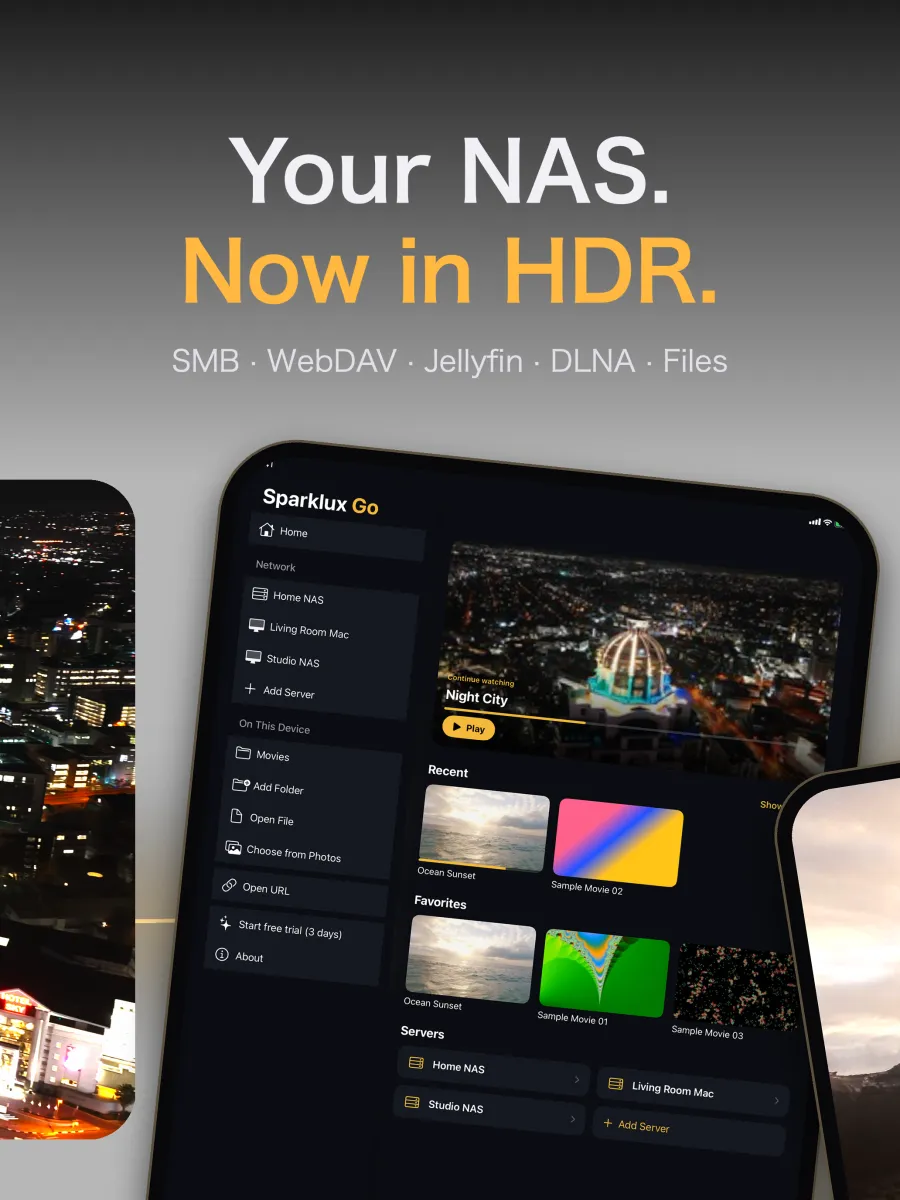
Connect straight to your home server
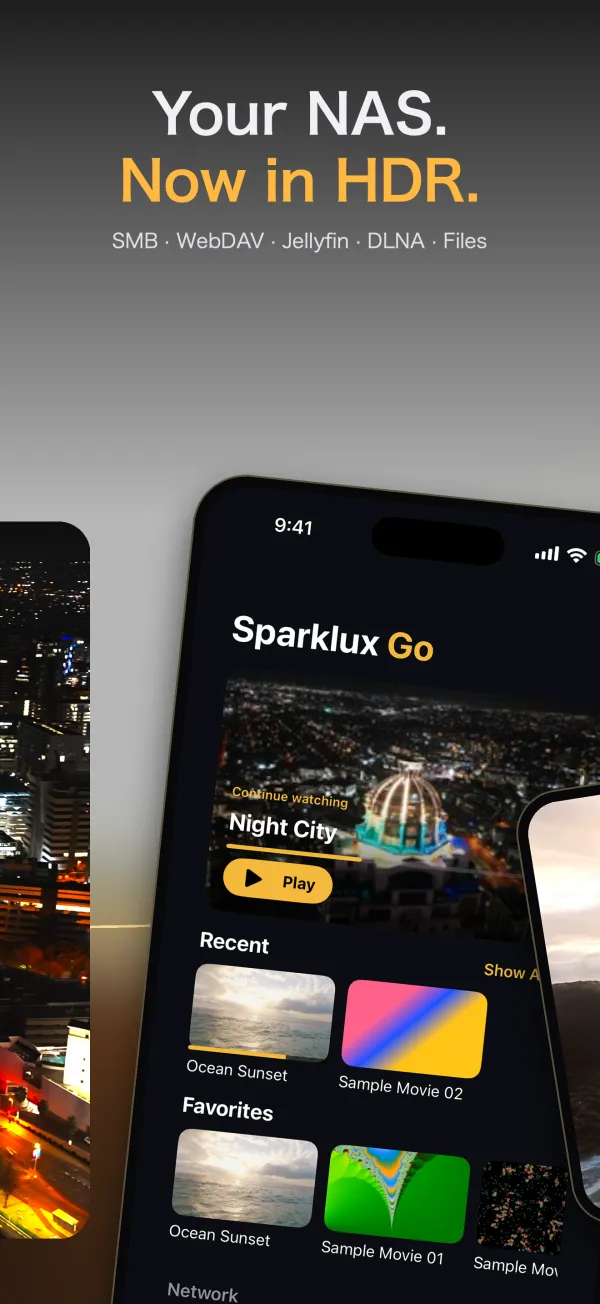
Connect to Mac File Sharing or a NAS over SMB, browse folders and play. WebDAV, Jellyfin and DLNA/UPnP (enter the address) are supported too.
SDR to HDR brightness
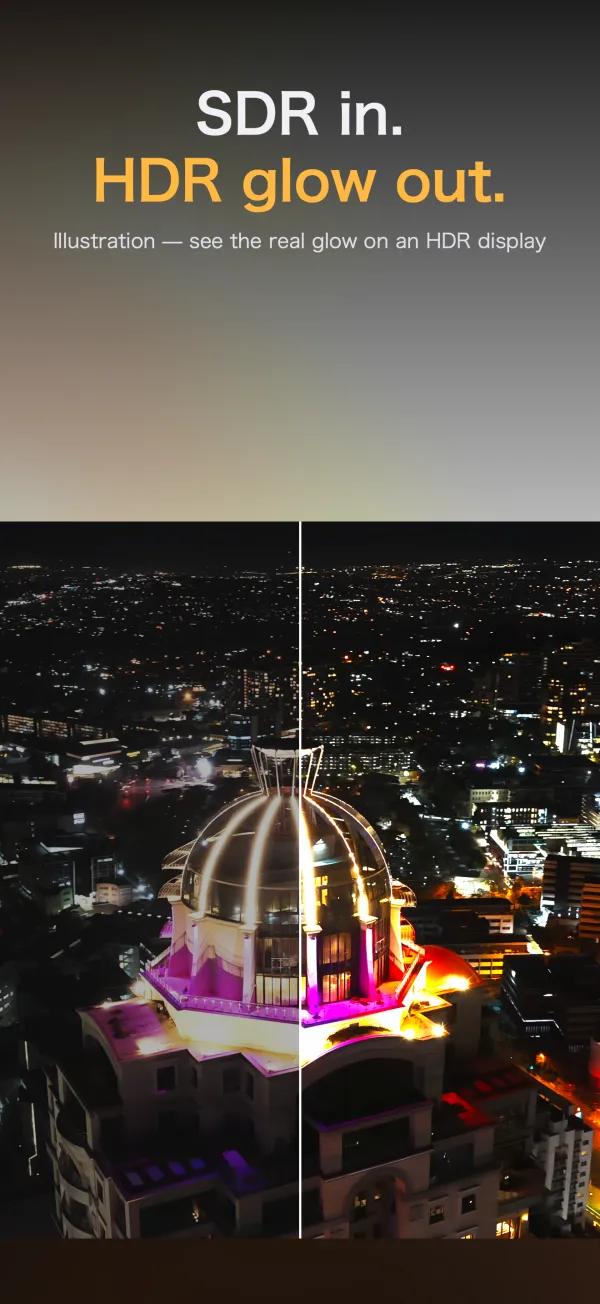
Uses your HDR screen's headroom for a brighter, more vivid picture. Presets: Natural, Vivid, Brighten Only and Off. A/B comparison shows it side by side with the original.
Super-resolution, up to your screen's resolution
Videos smaller than your screen are upscaled to its resolution, with super-resolution for extra sharpness on supported devices.
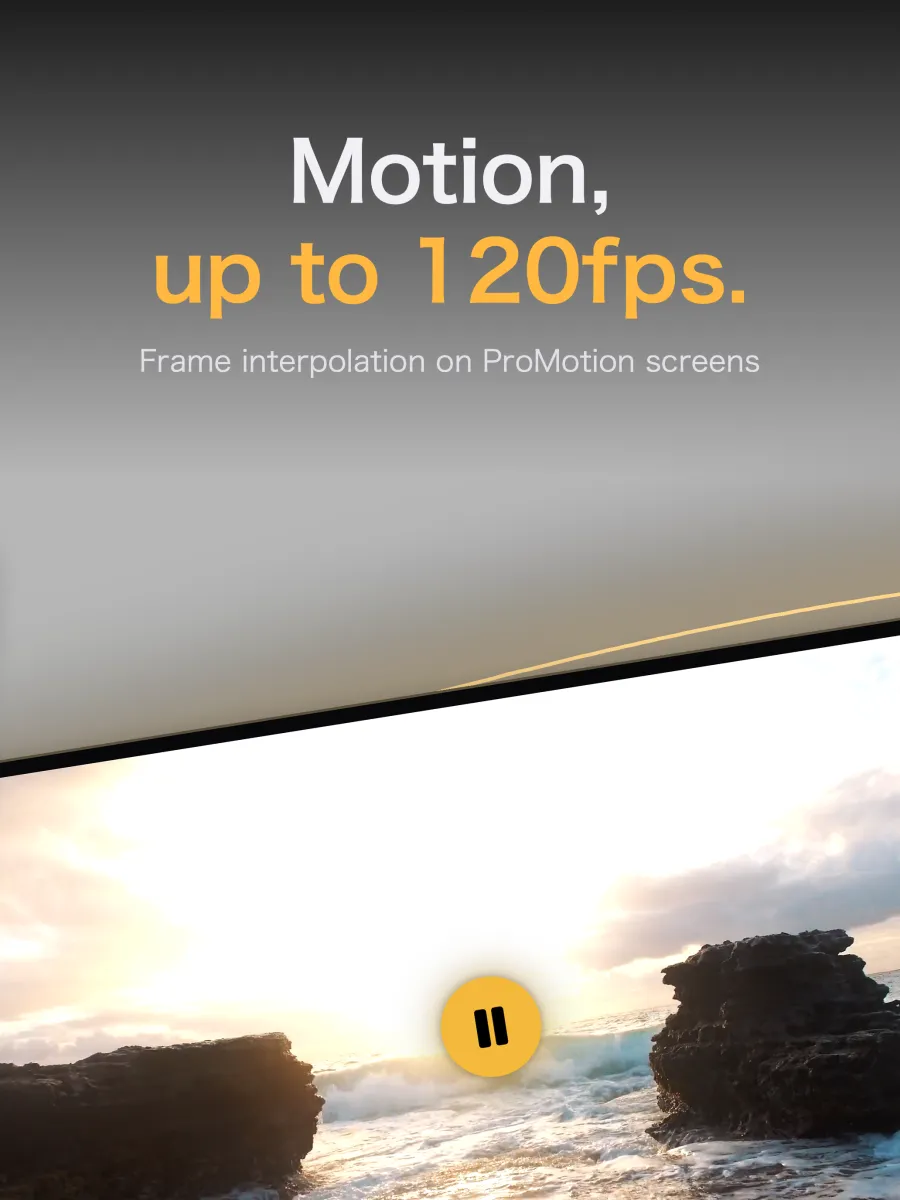
Motion up to 120 fps
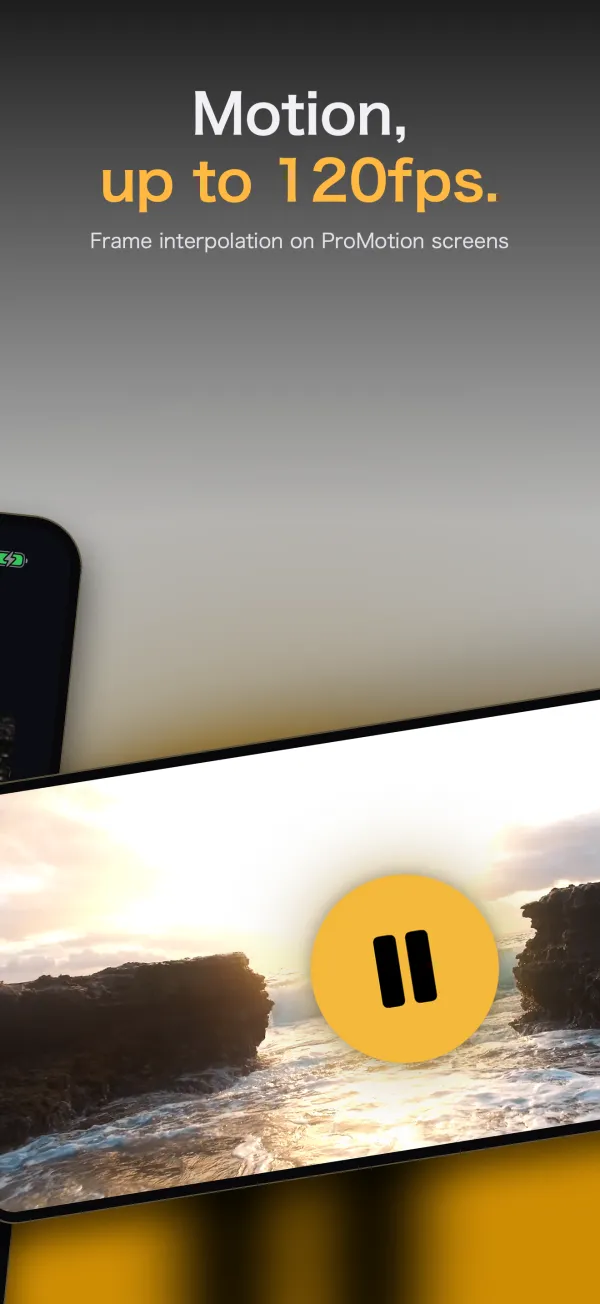
Frame interpolation smooths videos at 30 fps or below, up to 120 fps on ProMotion displays. It backs off automatically when the device is hot or in Low Power Mode.
MKV, HLS and more in one player
MP4, MOV, M4V, HLS and MKV, with no conversion. Plays H.264 / HEVC, including HDR10, HLG and Dolby Vision 8.1.
Subtitles, audio and Picture in Picture
.srt / .ass files in the same folder show up automatically, and you can pick embedded subtitles in MKV and MP4. Switch between multiple audio tracks, and keep watching in Picture in Picture while using other apps.
Jump right to what you want
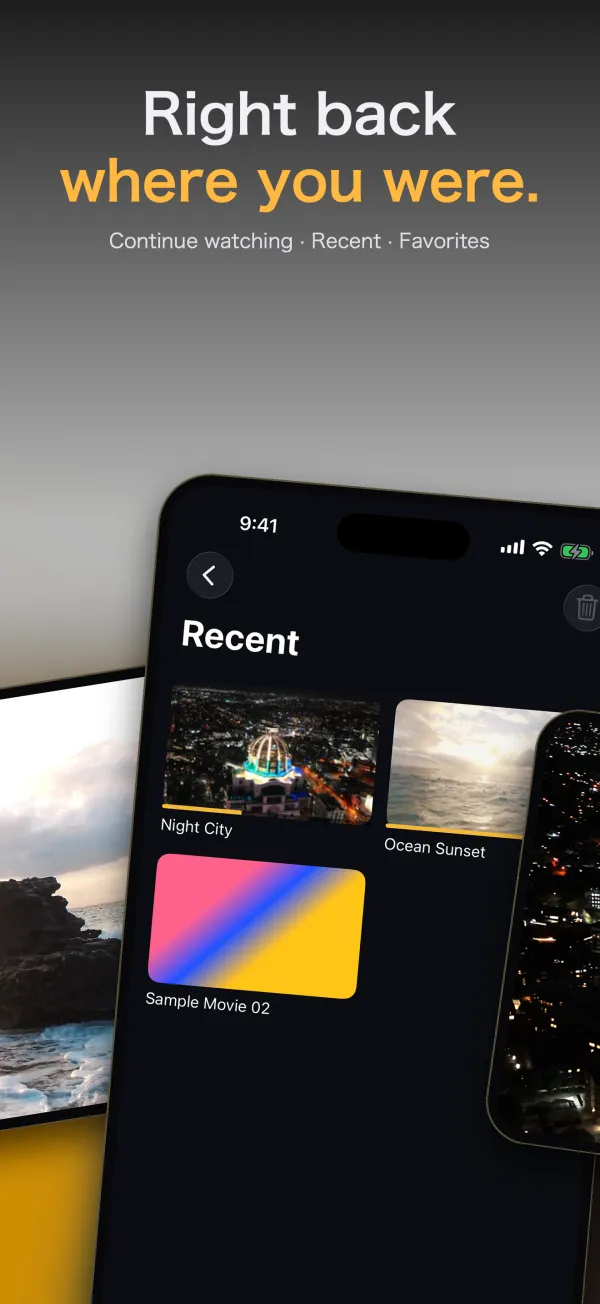
Continue Watching, Recents (up to 100) and Favorites. Thumbnail lists with sorting and in-folder search. Clear your history anytime.
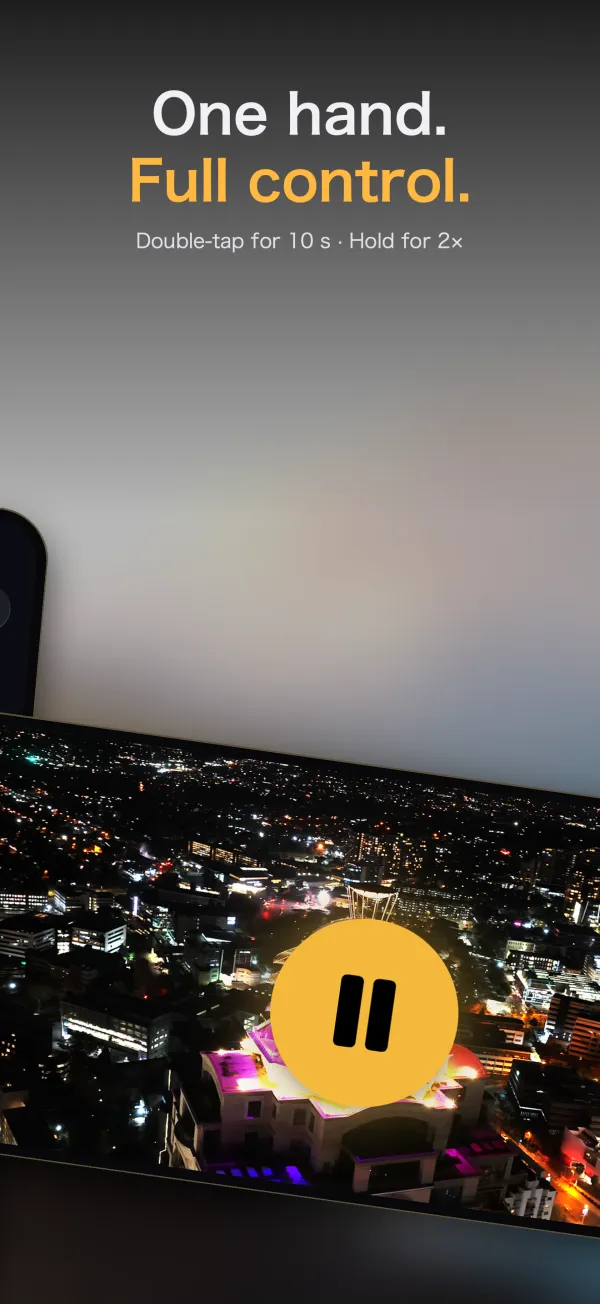
Gestures, one-handed control
Double-tap left or right to skip 10 seconds, press and hold for 2× speed, pinch to zoom. Loop playback is supported too.
iPhone and iPad
On iPad, the layout adapts to the larger screen. On the foldable iPhone Duo, video avoids the camera when closed and is centered on the large screen when open. The app is available in 42 languages.
Due to iOS limitations, HDR highlights are subdued inside the Picture in Picture window.
3How it works
Video read from your server is decoded on the device, then converted to HDR, upscaled and interpolated before it reaches the screen. Nothing passes through an outside server.
Screens that can't display HDR still play video, but SDR-to-HDR conversion won't apply.
4Screens
Screens from version 1.2 on the App Store. Click to enlarge.
iPhone
iPad
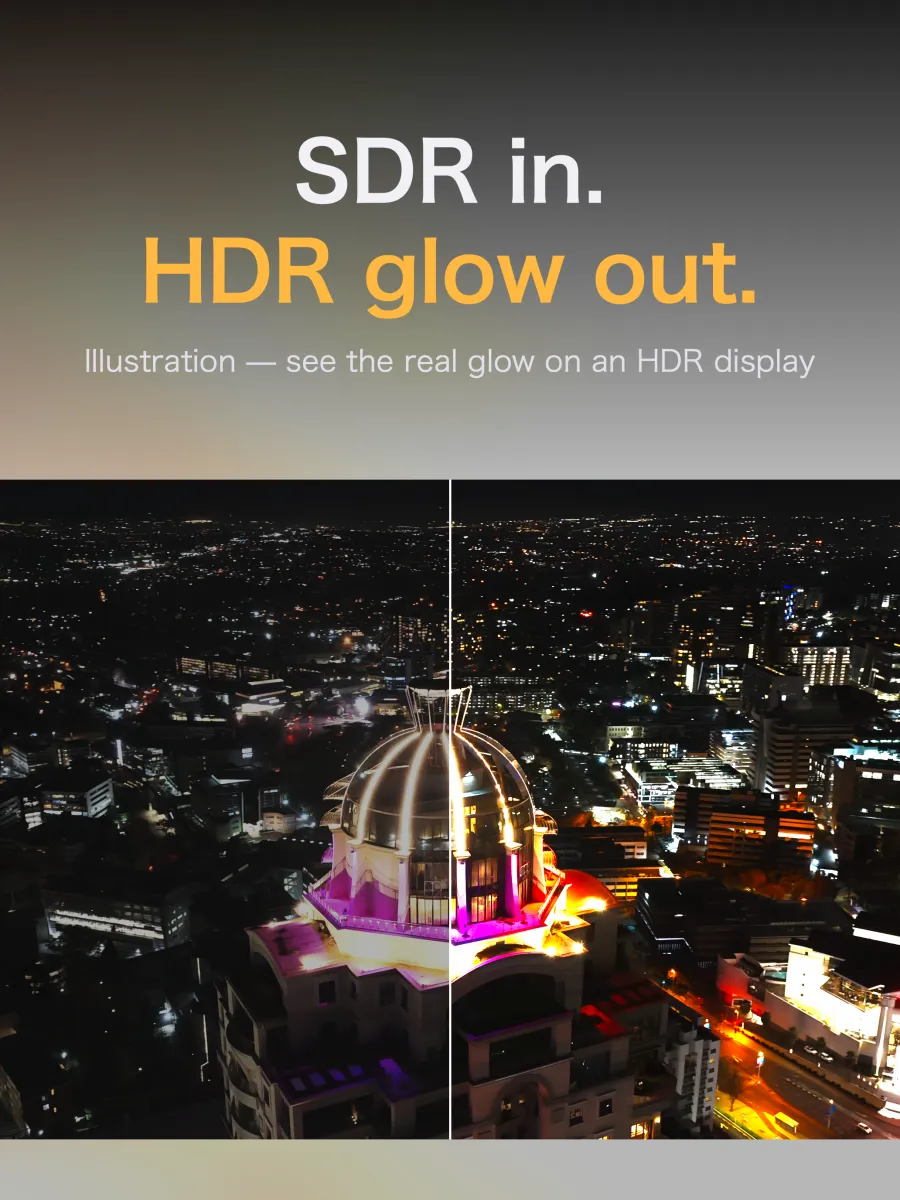
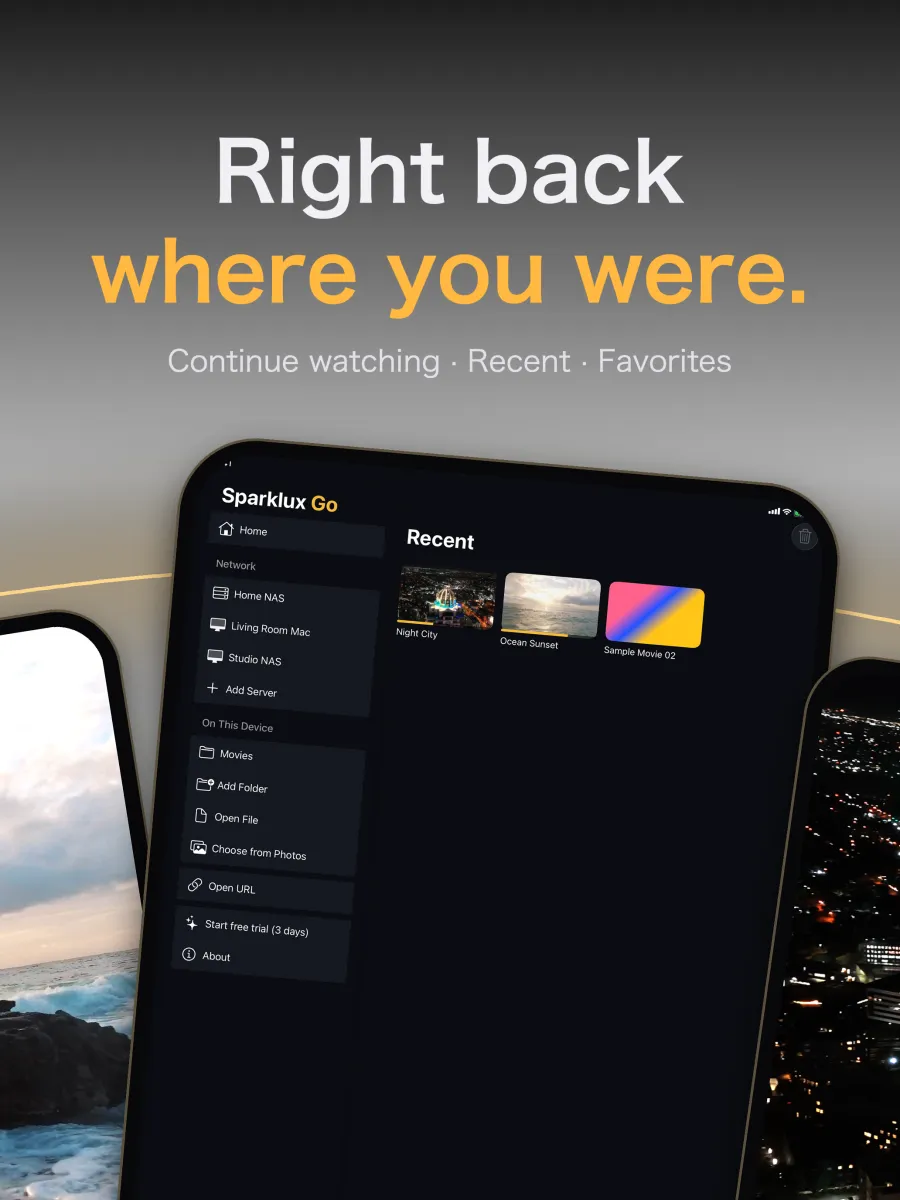
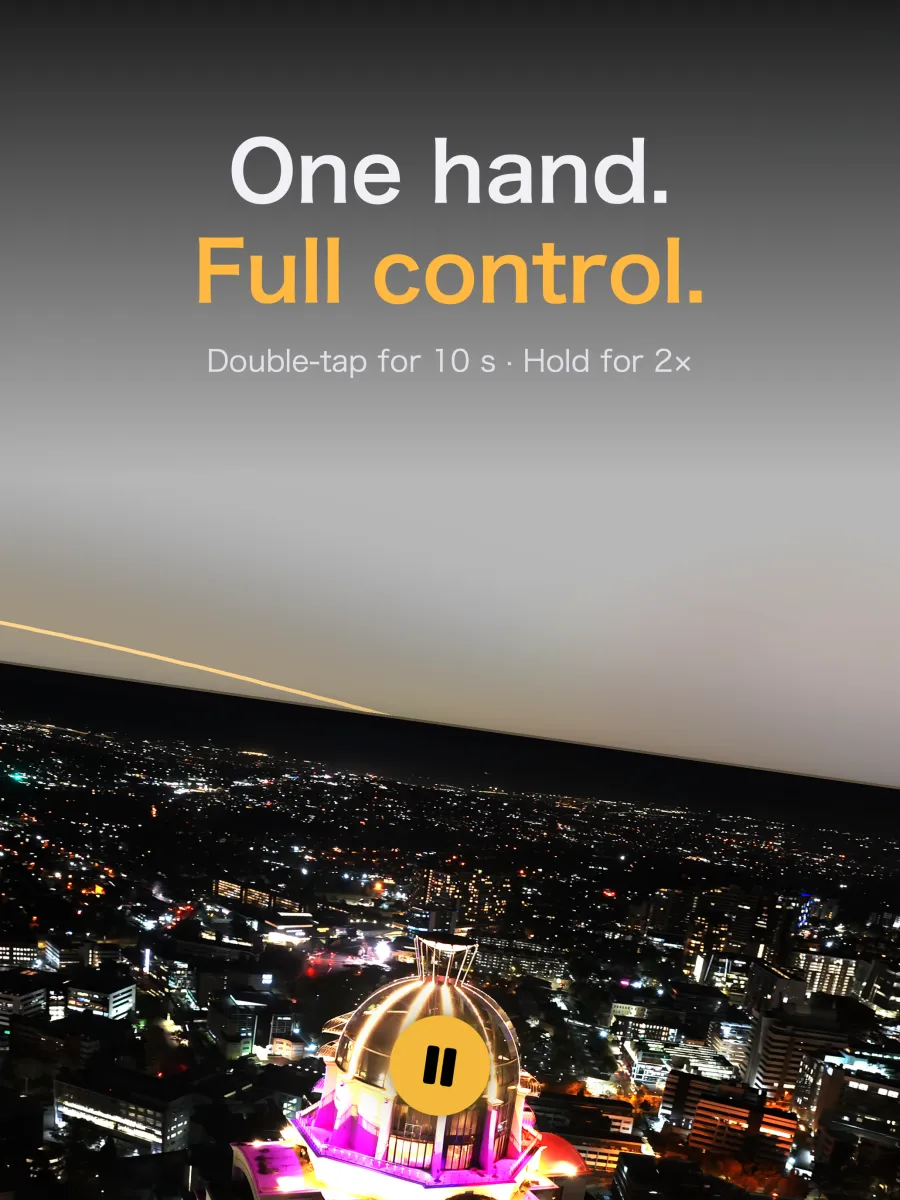
Comparison images are illustrations. See the real glow on an HDR display.
5Formats and requirements
What to check before you buy, in one table.
| Requires | iOS / iPadOS 26 or later |
|---|---|
| HDR conversion | Requires an HDR-capable display (iPhone 12 or later, some iPad Pro models). Other displays can still play video |
| Sources | SMB (Mac File Sharing, NAS), WebDAV, Jellyfin, DLNA/UPnP (enter the address), the Files app, Photos library, direct video file URLs (.mp4 / .mov / .m3u8) |
| Containers | MP4 / MOV / M4V / HLS / MKV |
| Video | H.264, HEVC (including 10-bit, HDR10, HLG, Dolby Vision 8.1) |
| Subtitles & audio | External .srt / .ass subtitles (in the same folder as the video), embedded subtitles in MKV and MP4, multiple audio tracks |
| Languages | 42 languages |
| Not supported | Streaming services such as YouTube (they aren't video files), shares that require SMB3 encryption, FTP, NFS |
6Pricing
No subscription. Try it, and if you like it, buy it once.
Free to download
Try every feature free. You're never charged automatically
One-time purchase, yours to keep
US price. Prices vary by region and are shown in the App Store.
7Privacy
No data is collected. All processing happens on your device.
No account needed
No sign-up, no login. Install it and start watching.
No analytics, no ads
No analytics, ad SDKs or crash report uploads are built in. There's no developer server either.
Only your own servers
It connects only to servers you add and URLs you enter.
For details, see the Privacy Policy.
Your home videos, on your best screen.
Start with a 3-day free trial.
View on the App StoreRead the Help